-
Well, I tried the "nomodeset xmodule=nv" option and it worked partially --
Right after booting, clicking on the icon in the lower-right corner makes the main menu appear. But mousing to one of the choices gives the sub-menu, and that only has the top half of each line.
And then when I open a window with an opaque background, such as "Desktop Properties", it is also made up of stripes with the background showing between. If I move the window, it leaves behind very thin stripes. Weird. I will look into the ndiswrapper thing. Remember, it works fine under Fedora 14 with the nv driver.
Tags for this Thread
 Posting Permissions
- You may not post new threads
- You may not post replies
- You may not post attachments
- You may not edit your posts
-
Forum Rules

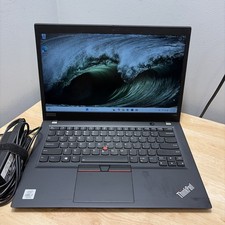
Lenovo ThinkPad T14S Gen 1 CORE i7-10610U 1.80GHZ 256GB 16GB WCam WiFi W11 Cord
$175.00

Windows 11 PRO Laptop Notebook PC Computer, 8GB Ram, Webcam, Wifi, and HDMI
$144.00

Lenovo ThinkPad L15 Gen 3 15.6" 16GB, Thunder Black
$259.00
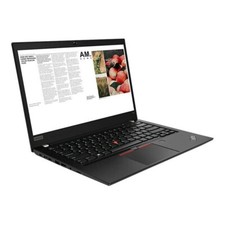
Lenovo ThinkPad laptop T490 14" i5 8365U 16GB NEW 256gb SSD WIN 11 pro CAM WIFI
$259.99
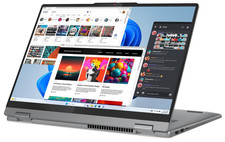
Lenovo IdeaPad 5 2-in-1 16" WUXGA Touch Ryzen 7 8845HS 16GB 512GB SSD FPReader
$571.00
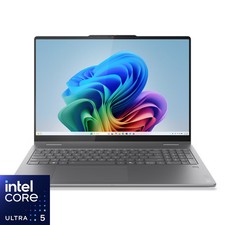
Lenovo - Yoga 7i 2-in-1 - Copilot+ PC - 16" 2K Touchscreen Laptop - Intel Cor...
$699.99
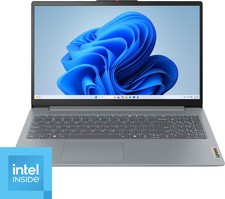
Lenovo - IdeaPad Slim 3i 15.6" Full HD Laptop - Intel Processor N150 2024- 8G...
$269.99
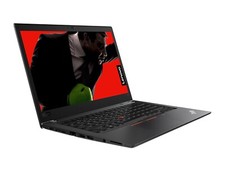
Lenovo ThinkPad T480 14" HD i5 8250u 16GB 256gb NVME WIFI CAM WIN 11 PRO laptop
$299.99
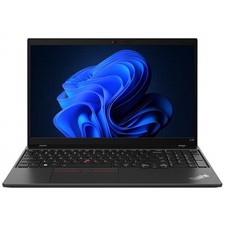
Lenovo THINKPAD L15 GEN 4 15.6" 16GB, Thunder Black
$327.00
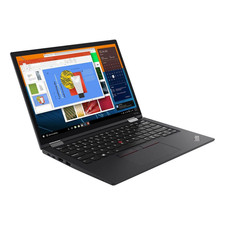
Lenovo ThinkPad X13 Gen 3 13.3” FHD Laptop Intel i5 16GB RAM 256GB SSD Win 11
$299.85



 Reply With Quote