
hello.
i have one more problem: my application should occupy full screen. so, i kill lxpanel before running and run my app yet. but my application occupy whole desktop area without lxpanel area. so i see part of desktop instead.
how to solve it?


hello.
i have one more problem: my application should occupy full screen. so, i kill lxpanel before running and run my app yet. but my application occupy whole desktop area without lxpanel area. so i see part of desktop instead.
how to solve it?
Not sure if it will meet your requirement :-Originally Posted by rafal_rr

The lxpanel itself can be configured. One of the things you can configure is 'autohide'/'autoshow'. When lxpanel is configured to autohide, it should allow your application to take up the remaining screen space. And subsequently you can kill lxpanel if you like to.
We seem to have the opposite problem. When fiddling with panel settings (I think), we seem to have lost our desktop icons except for knoppix, which is still there and also lost the bottom menu bar. on all desktops. Also the working desktop has a 1/3 inch gap at the top and about a 1 1/2 inch gap at the left side with just a gray color in the gap.
No idea how to get the bottom menu bar back and how to make the desktop take up the entire screen.
Haven't tried rebooting, friend thinks we can shut down from terminal console, since we don't have a menu for shutdown. ... added later - shutdown from terminal not authorized... power off button worked. .... rebooting brought the menu back.... good thing.
Whew - OK now.
Last edited by Denver Dave; 03-09-2012 at 02:31 AM.
 Posting Permissions

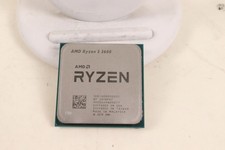
AMD RYZEN 5 3600 PROCESSOR | 3.60GHZ | 100-000000031
$59.99
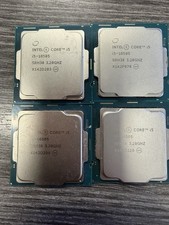
LOT OF 4 Intel Core i5-10505 6-Core 3.2GHz SRH38 CPU Processor
$349.95

Intel Core i7-8700K 3.70GHz 6-Core LGA1151 CPU Processor SR3QR
$70.00
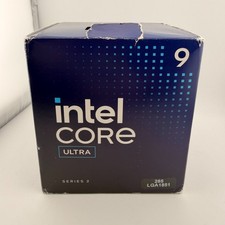
READ Intel Core Ultra 9 285 Processor LGA 1851
$449.99
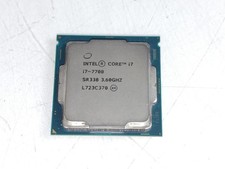
Intel Core i7-7700 3.6 GHz 8 GT/s LGA 1151 Desktop CPU Processor SR338
$39.99
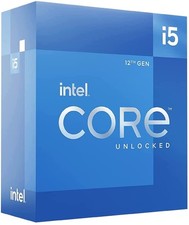
Intel Core i5-12600 3.30 GHz Processor CPU
$119.99

AMD Ryzen 5 5600X Desktop Processor (3.7GHz, 6 Cores, AM4 CPU) 100-100000065
$135.00
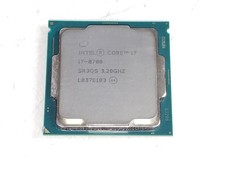
Intel Core i7-8700 3.2 GHz 8 GT/s LGA 1151 Desktop CPU Processor SR3QS
$67.99
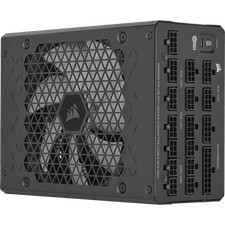
Corsair HX1500i 1500W 80+ Platinum Fully Modular ATX 3.1 PSU Certified Refurb
$207.99
Intel Core I7-3770 Processor (3.40GHz, 4 Cores, Socket H2 LGA-1155) - SR0PK
$40.00

 Reply With Quote