-
rdesktop for knoppix
Hello,
I'd like to remote desktop into my work PC from knoppix. I've got the VPN working, but it doesn't look like there's any rdesktop on knoppix. From reading internet postings it appears that
it used to be there.
Code:
knoppix@Microknoppix:~$ rdesktop
bash: rdesktop: command not found
knoppix@Microknoppix:~$ rdesktop
bash: rdesktop: command not found
knoppix@Microknoppix:~$ apropos remote
remote: nothing appropriate.
knoppix@Microknoppix:~$ apropos mstsc
mstsc: nothing appropriate.
knoppix@Microknoppix:~$ apropos desktop
desktop: nothing appropriate.
knoppix@Microknoppix:~$ Rdesktop
bash: Rdesktop: command not found
knoppix@Microknoppix:~$
-Eric
-
For what it's worth, I downloaded rdesktop-1.6.0.tar.gz and tried to do a ./configure, I see:
checking for stdlib.h... yes
checking for string.h... yes
checking for memory.h... yes
checking for strings.h... yes
checking for inttypes.h... yes
checking for stdint.h... yes
checking for unistd.h... yes
checking whether byte ordering is bigendian... no
checking for X... no
ERROR: Could not find X Window System headers/libraries.
Probably you need to install the libx11-dev package.
To specify paths manually, use the options --x-includes and --x-libraries.
knoppix@Microknoppix:/media/sdc1/rdesktop/rdesktop-1.6.0$
I'm running a terminal emulator in x, why doesn't it see it?
-Charlie
-
Hi again Charlie Foxtrot.
I think you are trying to hard again.
You should not need to download a tar ball and compile from source. You should be able to download and install the package you need from the Debian repositories. If you like GUI or are not yet comfortable with the Linux command line, try synaptic. You should be able to find that from the main menu under Preferences > Synaptic Package Manager.
I use the DVD edition and I have two remote desktop clients already installed. From the main menu, one is under Internet > Remmina Remote Desktop Client and the other is under Internet > Remote Desktop Viewer.
What have you got at work ? Linux or a commercial Operating System ? For the former, you'd want the VNC protocol and you'll need to start a VNC server on your machine at work (and stuff). For the latter, you'd need RDP and the service is probably already running so all you need to do is provide credentials.
For Linux there are several VNC servers to choose from. For use over a VPN, tightvnc might be a good choice. Folks on this forum have recommended x11vnc. This allows you to connect to the X session you have a work (instead of one you start just for use from home) but I found that it unlocked the keyboard and left it that way. 
If you use Linux and use command line consoles almost exclusively, then the screen program might be a better option.
Have fun,
 Posting Permissions
- You may not post new threads
- You may not post replies
- You may not post attachments
- You may not edit your posts
-
Forum Rules

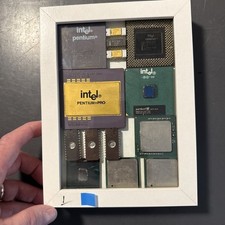
Intel Shadow Box For The Collectors. Vintage Components. All Intel Chips. Rare.
$140.00
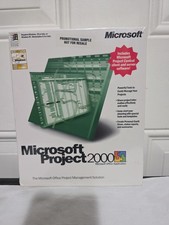
Microsoft Project 2000 Sealed PC Software Vintage Promotional Copy
$149.99
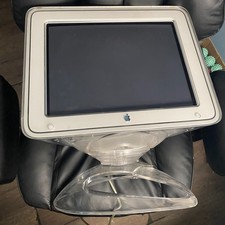
Apple Studio Display Monitor CRT 17" Clear Vintage Untested READ BROKEN STAND
$300.00
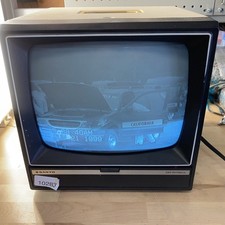
Sanyo DM 5012CM Solid State Data Display Monitor Working Vintage 1980s 80s
$169.99
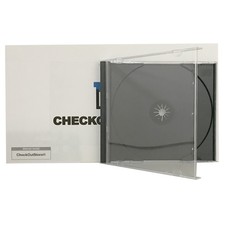
Original Vintage Old Style STANDARD Black CD Jewel Case (Heavy Duty) 90g Lot
$316.95
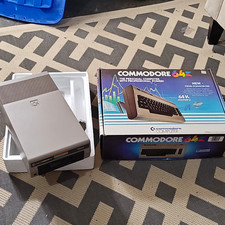
Commodore 64 Vintage Home Computer w/ Box, 1541 Disk Drive
$580.00
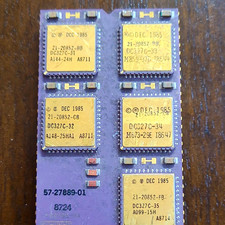
DEC Vintage Module/Board Collectable Vintage chip - 1 BROKEN LEG (BO)
$200.00
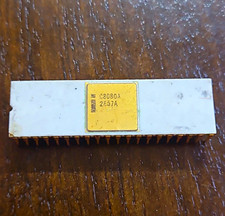
Intel C8080A Vintage Ceramic CPU - some corrosion on legs (BO)
$150.00

Vintage AutoCAD 2000i Upgrade Boxed CD & Key Code
$144.45
Dell Inspiron E1505 Vintage Laptop – Windows XP – Working
$50.00



 Reply With Quote