Dear ScottyJavea,
I think that the following procedure will solve the issue. I assume that you use grub legacy.
1. Reboot your system.
2. Press the 'C' key in order to get a command line.
3. At the prompt typein followed by the tabulator key. This will show you a list of partitions on your first HDD. Write down the number of your partition formatted with reiserfs.Code:root (hd0,
4. Reboot your system with the Knoppix DVD and edit your menu.lst file.
5. Try out your new boot configuration.
Regards

 Reply With Quote

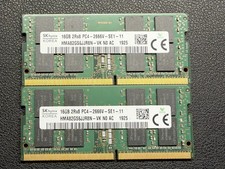



![[ BULK LOT OF 10 ] UNITS of 8GB DDR4 Laptop RAM SAMSUNG, HYNIX etc. picture](/store/img/g/IKQAAeSwEK9qv9TG/s-l225/-BULK-LOT-OF-10-UNITS-of-8GB-DDR4-Laptop-RAM-SAMSU.jpg)