

Starting Libre Office on 6.7.1 from the toolbar icon presents a choice screen in a central window, with the white options area surrounded by pale blue shaded background. In my case, at the left and right sides of this blue background are two strips which are not filled in, but just grab the background image for the area at the time, before LO is started. Having just used the live USB on a desktop monitor for the first time, where the problem did not occur, I think I may have found a reason for this. When opening LO, LXDE seems to use a default window shape roughly conforming to the aspect ratio of the display. The desktop monitor is a 4x3 display, all my other units are 16x9 or 16x10, the area missed out by the background paint is the extra space in the widescreen ratio.
 Posting Permissions


Cisco/Linksys SPA2102 VoIP Phone Adapter Router 2FXS (Unlocked)
$17.99

Yealink SIP-T54W Prime Business IP Phone Gigabit WiFi Bluetooth VoIP
$59.95
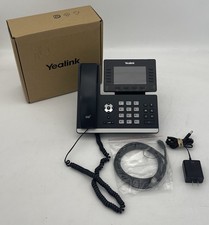
Yealink SIP-T54W Prime Business IP Phone Gigabit WiFi Bluetooth VoIP
$59.95
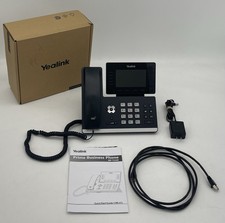
Yealink SIP-T54W Prime Business IP Phone Gigabit WiFi Bluetooth VoIP
$59.95

Cisco / Linksys SPA2102 VoIP 2FXS Phone Adapter with Router (unlocked)
$18.99

Cisco CP-8821-K9 Wireless VoIP Phone w/ Battery - WORKING
$144.99

Poly Edge E500 12-Line Corded IP VoIP Phone w/ PoE, Black/Silver
$120.00
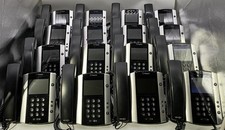
Lot Of 16: Polycom VVX 501 VoIP Touchscreen Desktop Phone W/Handsets & Stands
$150.00
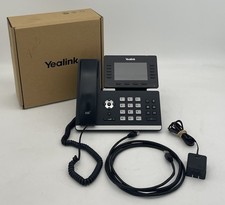
Yealink SIP-T54W Prime Business IP Phone Gigabit WiFi Bluetooth VoIP
$59.95

Grandstream WP810 Portable Cordless Wi-Fi IP Phone
$54.99


 Reply With Quote