

 Reply With Quote
Interesting, but I'm afraid that it gives me a headache.


In my neverending quest for perfect fonts I ran across this tip on Debian User. Create a file ~/.Xresources and put this line in it:
Then logout and back in and you should now be enjoying better looking fonts.Code:Xft.autohint: 1
Interesting, but I'm afraid that it gives me a headache.
Thanks for the hint!
Actually I had to put "Xft.autohint: 1" in ~/.Xdefaults
If I put it in ~/.Xresources, nothing changed.
 Posting Permissions


Dell ST6000NM0034 1HT27Z-150 NWCCG 6TB SAS 3.5 7.2K ENTERPRISE SERVER DRIVE
$68.99

Toshiba 1TB 2.5" SATA HDD MQ01ABD100V 5400RPM 9.5mm Laptop Internal Hard Drive
$51.99

HUS726060ALA640 HGST Ultrastar 6TB SATA 6Gbps 7.2K 3.5" Hard Drive OF21860
$129.99

Western Digital HUS726T4TAL5204 4TB 7.2K SAS 12Gb/s 3.5" 512e HDD NetApp X375A
$84.00

Seagate ST6000NM0115 6TB 256MB 7200RPM 3.5" SATA 6.0Gb/s Enterprise Hard Drive
$159.99

Hitachi / HGST Travelstar HTS541010B7E610 1TB 2.5" SATA III HDD
$29.99

HGST HUS724040ALA640 4TB 7200 RPM SATA 3.5" Internal Desktop Drive 100% Health
$78.00
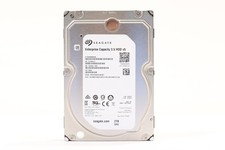
Seagate ST2000NM0045 2TB 3.5" 12Gb/s 128MB 7.2K RPM SAS HDD P/N: 1V4204-002
$24.99

HDD 3.5" SATA Hard Drive with Windows 10/Win 11 64x Installed Legacy
$35.00
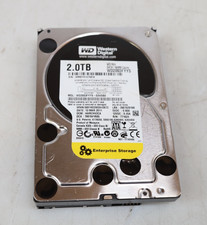
Western Digital 2TB WD2003FYYS-02W0B0 3.5" SATA 7200RPM Hard Drive
$44.99