-
Senior Member

YES, there is hope....! Knoppix-USB is Awesome! Fast, Flexible, Rock Solid! How I got Bluetooth working: 1) ---> Menu ---> Preferences ---> Desktop Session Settings - --> check mark on Bluetooth Manager ---> OK 2) ---> Menu ---> Preferences ---> S.P.M. (Synaptic P...) ---> Reload Packages and afterwards mark the packages 'bluetooth', 'bluez' and related blue* packages for upgrade! 3) After that was finished, the Bluetooth Icon appeared at the menu bar and Bluetooth was ready to go! Now, the neat part is, after restart all the new settings and upgrades are store at the USB stick and available again! Connected to the Laptop are Desktop PC, Printer, Cellphone, (wireless mouse and WiFi)! Thanks Knoppix Team ...way to go!
 Posting Permissions
- You may not post new threads
- You may not post replies
- You may not post attachments
- You may not edit your posts
-
Forum Rules


Samsung DVI to DVI Cable 6 ft Digital Video Interface Audio Video NEW
$30.89
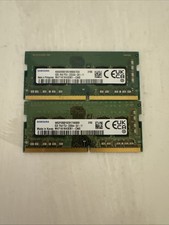
Samsung 16 Gb Ddr 4-3200 Laptop Memory
$50.00

Samsung Chomrebook XE350XBA-K02US LCD Screen FHD Display 15.6" XE350XBA-K03US
$51.77

New Samsung 512GB FIT Plus USB 3.2 Gen 1 Type-A Flash Drive MUF-512AB/AM NEW
$120.00

Kids Case for Samsung Galaxy Tab A9+/A9 plus 11 Inch 2023 Case, with Strap, Shoc
$27.99

Samsung JC95-01514A Cover-Side Roller T2 Compatible
$39.00

Samsung JC93-01078A Transfer Roller T2
$89.00

Samsung PC4-2666V 16GB 2Rx8 RAM DDR4 2666MHz M471A2K43CB1-CTD
$59.99
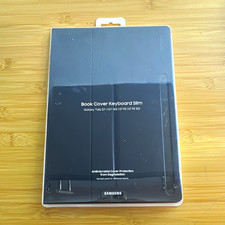
Samsung Book Cover Keyboard Slim EF-DT730 Black
$80.00

QTY 100 Samsung Galaxy Tab Active 4 Pro 10.1” Case, Black
$500.00



 Reply With Quote