-
Senior Member
registered user
Open a terminal, insert a floppy disk with some files on it and issue the command This will give you information about the mount device name of you floppy disk drive. In my case I use a USB floppy disk drive connected to an old HP Omnibook and get the device name /dev/sdb.
Then open a PCMan file manager. Do not select My computer from the menu, but click on the proper device in the left pane of the file manager. In my case I have to click on sdb.
Before you remove the floppy disk right click on the device in the left pane of the file manager and unmount the disk.
I hope that helps.
Tags for this Thread
 Posting Permissions
- You may not post new threads
- You may not post replies
- You may not post attachments
- You may not edit your posts
-
Forum Rules


OWC Mercury Elite Pro 2 Bay RAID Enclosure with USB 3.2 for Dual 3.5 inch HDDs
$87.99

Broadcom MegaRAID 9480-8e Fujitsu PRAID EP540e SAS RAID Card (Replac 9380-8e) 8i
$228.00

Intel VROC Premium RAID Controller Card PCIe Add-On Module VROCPREMMOD
$265.00
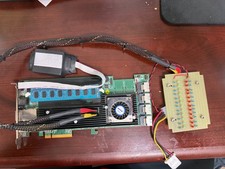
Areca ARC-1882IX-24 (16i4e)24-Port RAID Controller Card w/BBU /HDD Monitor Board
$202.46

Dell PowerEdge HBA330 LP PCI-E 12GBs RAID SAS Controller Adapter J7TNV
$18.95

Broadcom LSI 9305-16i 12Gbps SAS-3 PCIe x8 HBA 16-Ports Raid Controller
$64.99

MegaRAID 9580-8i8e 16-port 12G SAS/SATA/NVMe 8GB PCIe RAID - 05-50076-00
$1619.26
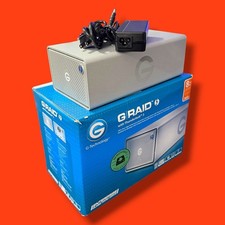
G-Technology 8TB (2 x 4GB) G-RAID with Thunderbolt 3, USB-C *TESTED
$349.99

G-Technology G-SPEED Studio XL 48TB Thunderbolt 2 Storage - Housing Only
$200.00
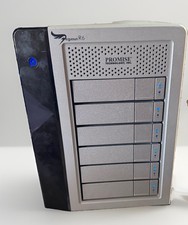
Promise Pegasus R6 Thunderbolt 2 RAID Storage 6Bay Enclosure G2U
$129.99



 Reply With Quote