Hello,
this is my first post here so I hope everything is correct, if not, please point me into the right direction.
I wrote a remaster script which was more like an assistant some time ago.
Now I rewrote it to speak english and thought it would be a good idea to tell you.
It provides a graphical user interface as well as a command line version.
Some small changes like cheatcodes or the xorg background image will also work out of everyone's favorite os Microsoft Windows.
(but there is no graphical interface for this micro remastering yet)
It is written in Python and uses PyGTK, both are preinstalled on Knoppix.
Because it uses its own implementation of Cloop it would work on any other Linux system too.
So you don't have to boot Knoppix native or in a VM, just use your prefered linux distribution.
There is a Github Repository for the source code and some german documentation:
https://github.com/koehlma/remasterscript
English documentation will follow later so for now a short description on how to use:
Download the Debian Package:
https://github.com/koehlma/remasterscript/raw/7703dc73bec8d28fcf4b38b86a2ae45e9f7072a1/remasterscript.deb
Install it throughUse remaster-create to create a new remaster from scratch and remaster-build to build an iso image of your remaster.Code:sudo dpkg -i remasterscript.deb
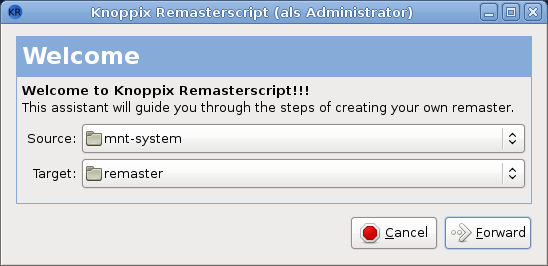
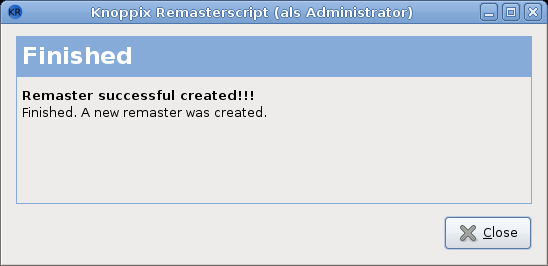
The assistant is self explaining I think, if not - feel free to ask.
Some screenshots:
Greetings
Maxi



 Reply With Quote