

 Reply With Quote
You'll find now a better description how does the script works.
In the meantime I've rebuild my website; the new address for "backup" is
http://www.wp-schulz.de/summary/summary-backup.html
Greetings Werner


The recommended way to use Knoppix is the flash disk installation. With it you can install new packages or delete others you never need. Sometimes you want a backup tool to feel free for experiences with your installation.
I wrote a little script to create backups inclusive comment-files or to restore elder backups.
Greetings Werner
http://www.wp-schulz.de/knoppix/backup.html
You'll find now a better description how does the script works.
In the meantime I've rebuild my website; the new address for "backup" is
http://www.wp-schulz.de/summary/summary-backup.html
Greetings Werner
Very nice, Werner.
In my estimation, there is a great bonus here:
kn-backup.sh is also an elegant lesson in bash scripting.
 Posting Permissions


Original Vintage Old Style STANDARD Black CD Jewel Case (Heavy Duty) 90g Lot
$316.95

Vintage NEC CDR-1410A 50 Pin SCSI CD-ROM Optical Drive Used
$39.99
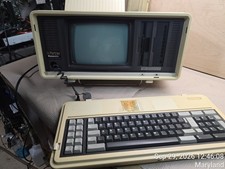
Vintage Panasonic Sr. Partner RL-H7000 Computer w/Service Manual & DOS Disks Cov
$275.00
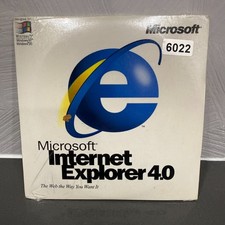
VINTAGE FACTORY SEALED MICROSOFT INTERNET EXPLORER 4.0 CD-ROM - NEW RARE BLUE CD
$34.99
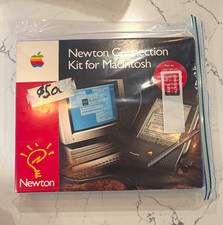
Vintage Apple Newton Connection Kit for Macintosh, Other Type
$125.00
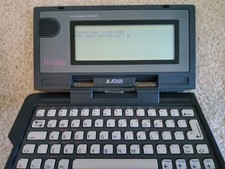
Vintage Atari Portfolio 16-Bit PC Palmtop Computer - Retro Computing
$96.00
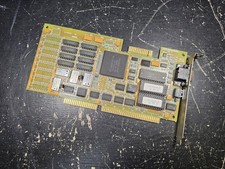
Vintage Paradise VGA Plus 16 ISA Video Card 1988 Western Digital PVGA1A TESTED
$89.99

Vintage Working Apple IIc and Monitor. With Packaging. A collector's dream
$659.99
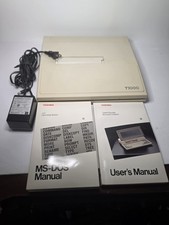
Toshiba T1000 Vintage Laptop PC, 1 power supplies, manuals, and original bag
$119.99
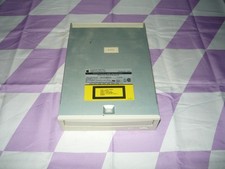
Vintage AppleCD 300i Plus CD-ROM Optical Drive SCSI 1993 Used
$47.99