

I'm just now starting to use Knoppix in some more Windows 7 environments, where as before it was all Windows XP/2000. But when it comes to copying files I'm having problems with the Windows 7 junction points.
The junction points are like shortcuts to other folders, and they are copying the entire contents of the same folder. For example, if I copy the folders 'Documents & Settings' & 'Users' I will basically be copying the 'Users' folder twice, since the 'Documents & Settings' folder is actually a junction points to the 'Users' folder.
My question is this, is there a method for ignoring junction points when copying files from within Knoppix?
I'm currently using Knoppix 7.0.4, and the file manager is PCManFM 1.0
 Posting Permissions


Lot of 500 Cisco 10-3145-02 QSFP-100G-CWDM4-S 100G CWDM4 QSFP28 Transceiver
$1500.00

Cisco WS-C3650-12X48UR-L 48-Port Stackable Layer 3 8x10G SFP+ Port Switch
$129.99
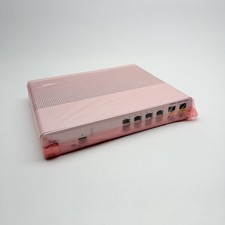
Cisco 8-Port Ethernet Catalyst Switch - WS-C2960C-8TC-L - Brand New
$50.00
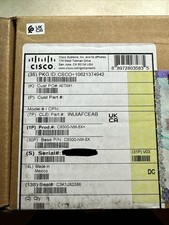
Cisco C9300NM8X Network Switch Module
$649.99

Genuine Cisco SFP-10G-SR 0-2415-03 10 Gigabit Transceiver
$5.40

Cisco Nexus N9K-C92160YC-X 48P 25GbE SFP28 6P QSFP+/QSFP28 PE Switch
$439.00

Cisco C9300-48UXM-A Switch 9300 Series 48-port UPoE Network
$874.99
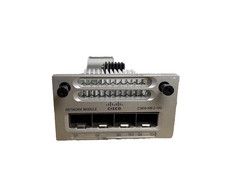
Cisco C3850-NM-2-10G 2 Port Network Exp Module for 3850
$16.99

Cisco Catalyst WS-C2960+24TC-S 24-Port Gigabit Managed SFP Switch
$39.99

Cisco Catalyst C9130AXI-B WiFi 6 802.11ax Wireless Access Point Brand New
$101.99


 Reply With Quote