

I'm just now starting to use Knoppix in some more Windows 7 environments, where as before it was all Windows XP/2000. But when it comes to copying files I'm having problems with the Windows 7 junction points.
The junction points are like shortcuts to other folders, and they are copying the entire contents of the same folder. For example, if I copy the folders 'Documents & Settings' & 'Users' I will basically be copying the 'Users' folder twice, since the 'Documents & Settings' folder is actually a junction points to the 'Users' folder.
My question is this, is there a method for ignoring junction points when copying files from within Knoppix?
I'm currently using Knoppix 7.0.4, and the file manager is PCManFM 1.0
 Posting Permissions


USB 3.0 Flash Drive 32GB 64GB 128GB Memory Stick Thumb Stick Lot Pack
$826.09

Microsoft Windows 11 Pro 64bit - New Sealed – Flash USB 1 PC
$49.99

Zero Trace Pen: All-in-one Tor Network Anonymous Drive + Cryptocurrency Wallet
$147.00

1/ 10/ 100pcs USB 2.0 2GB, 4GB ,8GB ,16GB ,32GB ,64GB 128GB USB Flash Drives Lot
$269.10

Kingston 32GB 64GB 128GB 256GB USB 3.0 Flash Drive Thumb Memory Stick Pen lot
$285.90

USB Type-A Flash Drive Metal Memory Stick High Speed USB Drive 128GB 256GB 512GB
$8.27

LOT 10x SanDisk 32GB ULTRA USB 3.0 flash drive SDCZ48-032G 32 GB read 100 MB/s
$39.80
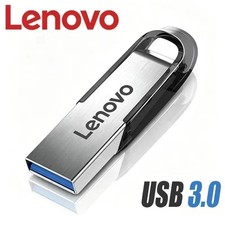
USB Type-A Flash Drive Metal Memory Stick High Speed USB Drive 128GB 256GB 512GB
$7.99
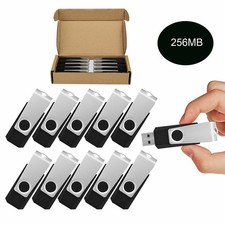
Wholesale Sale 10/ 30/ 50/100pcs 256MB Metal Swivel USB Flash Drive Memory Stick
$165.90

TESLA OEM Model S,3,X,Y USB Flash Drive for Dashcam 128GB READ DESCRIPTION BELOW
$22.00


 Reply With Quote