-
Member

Hi nopics,
there is no tutorial to follow. Mine is just one of the possible methods to copy data from a knoppix-data.img to a knoppix-data.aes
- Boot Knoppix without mounting any persistent file
- Open Root terminal
- preparing the working directory where mount knoppix-data.img, you can do it wherever you want. I use the ramdisk so I do not mind having to delete when I'm done. Turn off the computer and the ram clears 
- mount your knoppix-data.img in /ramdisk/img
Code:
mount -o loop=/dev/loop6 /path to/knoppix-data.img /ramdisk/img
- preparing the working directory where mount knoppix-data.aes
- mount your knoppix-data.aes in /ramdisk/aes
Code:
mount -t ext2 /path to/knoppix-data.aes /ramdisk/aes -o encryption=aes,keybits=256,loop
- insert correct knoppix-data.aes password
- copy from /ramdisk/img to /ramdisk/aes using rsync (is a file transfer program)
Code:
rsync -ax /ramdisk/img/* /ramdisk/aes
 Posting Permissions
- You may not post new threads
- You may not post replies
- You may not post attachments
- You may not edit your posts
-
Forum Rules

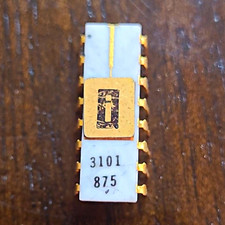
EARLY INTEL 3101 Vintage Ceramic chip. ALL LEGS INTACT (BO)
$350.00
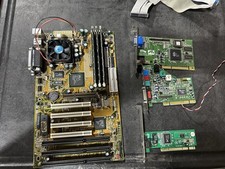
Vintage Iwill XA100 Plus Super Socket 7 Motherboard + K6-III 450 + 896mb READ
$179.99

Vintage NEC CDR-1410A 50 Pin SCSI CD-ROM Optical Drive Used
$39.99
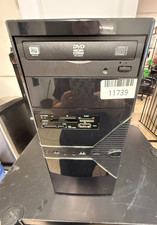
VINTAGE Custom Built Desktop-AMD [email protected] 8GB RAM 80GB HDD NO OS-READ
$160.00
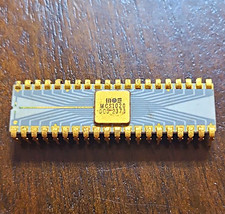
MOS MCS1026 Vintage Ceramic Chip - missing multiple legs (BO)
$250.00
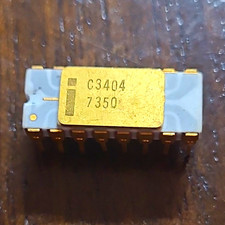
INTEL C3404 VINTAGE Ceramic Gray Trace Chip ALL LEGS INTACT (BO)
$250.00
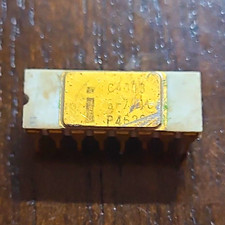
Intel C4003 Vintage Ceramic Chip - multiple damaged legs
$200.00

Original Vintage Old Style STANDARD Black CD Jewel Case (Heavy Duty) 90g Lot
$316.95
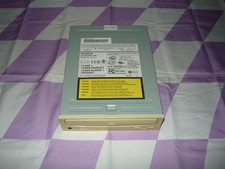
Vintage Sony CD-ROM Drive CDU5211 IDE Optical Used
$19.99
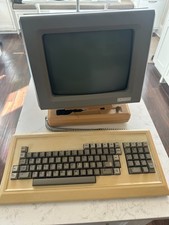
Rare Vintage Qume QVT-102 Terminal w Keyboard Damaged READ
$129.00



 Reply With Quote