-
 Change default language at boot!
Hey everybody.
I'm running Knoppix on my school from a USB key - and I'm living and studying in Denmark. So every time I boot from the USB key, I have to type knoppix lang=da - is there a way that I can make the choice to default?
So I just need to press Enter, and Knoppix does the rest. Thanks in advance!
-
Last edited by Werner P. Schulz; 02-09-2013 at 09:45 AM.
-
-
Hi, Pazau. Werner has just supplemented Micro Remastering and now it has the exact procedure for adding lang=da. Maybe it's better to let the language to be English and add keyboard=da. This way you'll be able to google what the OS says on a wider scope.
 Posting Permissions
- You may not post new threads
- You may not post replies
- You may not post attachments
- You may not edit your posts
-
Forum Rules

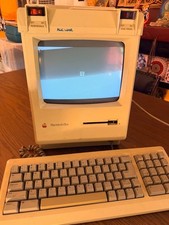
Vintage Apple Macintosh Plus Desktop Computer - M0001A
$155.00

Vintage 1998 iMac G3 M4984 Mac OS + Keyboard Working but Needs Some Repair Read
$295.00

Apple Power Macintosh PowerPC 7300/200 VTG w Keyboard Mouse Storage Drive Read
$199.99

Apple Macintosh DuoDock Duo Dock M7779 & Powerbook 230 Vintage Mac RARE Vintage
$249.00

Rare Vintage Macintosh Apple Wooden Disk Storage Box Dovetailed
$69.95
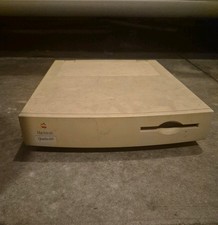
Apple Macintosh Quadra 605 Vintage Desktop Computer, Model M1476 Untested
$299.00

LARGE LOT Vintage Apple Macintosh Mouse Cables Accessories SCSI etc - UNTESTED
$80.00

185--Sonnet Crescendo G3 PPCG3-375-5-K-06 G3 Add-On Card for Vintage Mac
$99.00
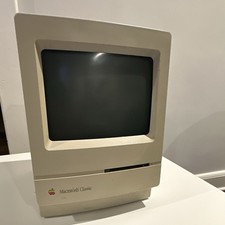
Apple Macintosh Classic M1420 Vintage All-in-One Desktop Computer
$95.00

Mixed Lot Vintage Mac Windows media / Graphics / Sound Software - CDs 37 Pieces
$40.99



 Reply With Quote