-
Senior Member

 Samsung Galaxy S4
Hello,
I'm old in age (193 ) and new to the Cell-Phone-World of the 21st Century!
I recently bought a factory un-locked Samsung Galaxy S4, which I mostly use for Internet browsing via Wi-Fi and taking pictures - and occasionally I use a Pay-As-You-Go SIMcard to make phone calls,
On my Desktop I run now Knoppix 7.2 and I want to transfer data between the two via USB connection. If I connect the phone to an USB port, I get a signal on the phone but I can't find the device on the PC.
I checked folder "media" but there was no hint to the phone.
I'm kind of lost. Can somebody, please, tell me what I'm doing wrong or what is missing?
 Posting Permissions
- You may not post new threads
- You may not post replies
- You may not post attachments
- You may not edit your posts
-
Forum Rules


Yealink T48S VoIP/SIP Phone, 2 x Gigabit Ports PoE 7" Color SIP-T48S | TESTED
$34.95

SIM Bank 32 SIM Card Slots Ethernet SIM Server for GoIP
$400.00

Lot Of 5 Poly Edge E550 82M91AA IP Desktop Phone PoE New In Box
$1500.00

Poly CCX 400 Desktop Business Media Phone VoIP 2200-49700-019
$49.99

Yealink SIP-T33G IP Phone 4-LineSpeakerphone VoIP Desk Phone Black w/ Power Sply
$25.00

Grandstream HT701 1-Port FXS Analog Telephone Adapter ATA VoIP Gateway -Free S/H
$19.99

Grandstream WP810 Portable Cordless Wi-Fi IP Phone
$49.28

Grandstream VoIP Phone Adapter ATA 1-Line Black Ethernet (RJ-45) Micro USB
$27.07
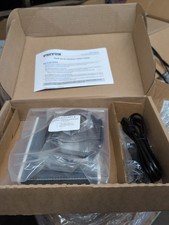
Patton SmartNode 4114 VoIP Media Gateway
$120.00
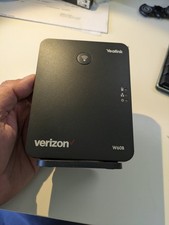
YEALINK W60B DECT VoIP BASE STATION VOIP SIP FOR UP TO 8 HANDSETS + OEM ADPTR
$50.00



 Reply With Quote