-
Hi every body Cant Get a floppy to buy in this age so i put aside the physical machine because of that and im trying vmware for the first time i created the floppy image from vmware initial setup but it still doesnt go 
-
Senior Member
registered user
Hi rayjay,
I think VMware creates a raw floppy image without a FAT. Thus you have to format your floppy image before you can use it. I would suggest that you download Knoppix 7.2.0 CD and boot your virtual machine using the Knoppix ISO. Then connect your floppy image to the virtual machine and open an LXTerminal. Issue the command to format your HD floppy image. Use -f2880 if you created a 2.88 MB floppy image. Afterwards, reboot your virtual machine using the ZoneCD ISO and connect your floppy image to the virtual machine when your are asked to insert a floppy disk. Then continue the setup.
I hope that helps.
 Posting Permissions
- You may not post new threads
- You may not post replies
- You may not post attachments
- You may not edit your posts
-
Forum Rules


Seagate ST6000NM0115 6TB 256MB 7200RPM 3.5" SATA 6.0Gb/s Enterprise Hard Drive
$159.99

Seagate Exos X14 10TB 7200RPM 3.5" SAS 12Gb/s Hard Drive HDD ST10000NM0528
$165.00

Seagate 14TB Exos X14 7200RPM SATA 6Gb/s 256MB 3.5" Enterprise HDD ST14000NM0408
$354.99

HDD 3.5" SATA Hard Drive with Windows 10/Win 11 64x Installed Legacy
$35.00
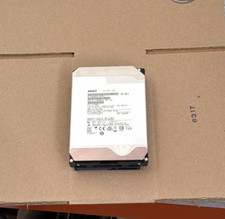
HGST - 6TB - 7200RPM 3.5" SATA 6Gb/s Enterprise Hard Drive | HUS726060ALA640
$84.99
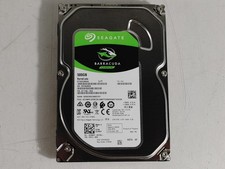
Seagate ST500DM009 BarraCuda 500 GB 3.5" SATA III Desktop Hard Drive
$14.99

HGST HUS724040ALA640 4TB 7200 RPM SATA 3.5" Internal Desktop Drive 100% Health
$78.00
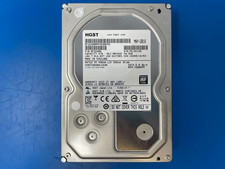
HGST 4TB 7200RPM 3.5" SATA 6Gb/s Internal HDD | HDN724040ALE640 0F22408
$75.00

Seagate ST8000NM0075 Enterprise Capacity 3.5 HDD 8TB SAS Hard Drive 8TB EXOS
$184.99
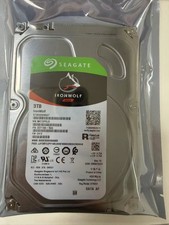
1PCS Seagate IronWolf ST3000VN007 3TB 5900RPM SATA 6Gb/s 3.5 NAS Internal Hard
$97.73



 Reply With Quote