
i am running knoppix through a usb (live) and the touchpad it does not work on my laptop (hp mini 110).
is there a way to make it work everytime?


i am running knoppix through a usb (live) and the touchpad it does not work on my laptop (hp mini 110).
is there a way to make it work everytime?
The following link may help:
https://wiki.archlinux.org/index.php/Touchpad_Synaptics
The following might also work for you:
If your touchpad doesn't work at all,
try the command synclient -l | grep TouchpadOff in a terminal.
If you get synclient -l | grep TouchpadOff = 1
then try the command synclient TouchpadOff=0 in a terminal.
If that turns things on (temporarily),
then you will need to add the line synclient TouchpadOff=0
to /etc/X11/Xsession.d/45knoppix to make things permanent.
HTH
Originally Posted by utu

Hi. i did synclient -l | grep TouchpadOff and it returns TouchpadOff = 0
still i cannot touch and click on my touchpad
Maybe there's something here for you:
https://www.google.com/search?q=hp+m...ad+not+working
Let us know how you solve the problem.
 Posting Permissions


Intel i7-8700 Coffee Lake 3.2GHz 6-Core Max Turbo 4.6GHz Processor
$69.99
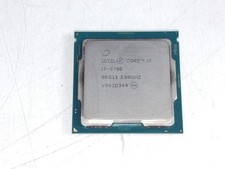
Intel Core i7-9700 3.00 GHz LGA 1151 Desktop CPU Processor SRG13
$79.99
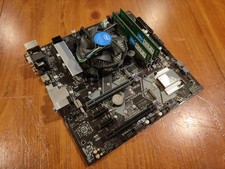
COMBO: ASUS Prime H370M-PLUS MOTHERBOARD + i5-9400F CPU /w Heatsink + 16GB DDR4
$169.95

Corsair RM750e 750W Fully Modular 80 Plus Gold ATX 3.1 PSU Certified Refurbished
$44.99
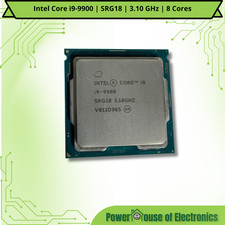
Intel Core i9-9900 | SRG18 | 3.10 GHz | 8 Cores | LOT OF 10
$1505.77

Intel Core i7-7700T 2.9GHz 8MB Socket LGA1151 Quad Core Processor SR339
$39.99
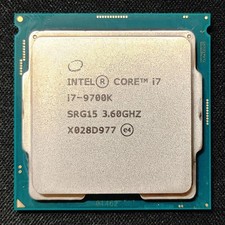
Intel Core i7-9700K Octa-Core 3.6 GHz Desktop CPU
$99.99

Intel SRG17 Core i7-9700T Desktop Processor CPU
$74.99
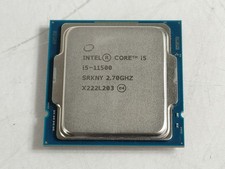
Intel Core i5-11500 2.70 GHz LGA 1200 Desktop CPU Processor SRKNY
$94.99

PS5 Over Heating Problem Solver 1.5 Grams Liquid metal thermal paste CPU, GPU
$15.99

 Reply With Quote