-
Senior Member
registered user
(from the link in post #1)
dbus[991]: [system] Failed to activate service 'org.freedesktop.Avahi': timed out
This means that it failed to connect to the service since it's not running. The 30 seconds you spend waiting is not because the service is starting, is because another process expects the service to be running when dbus tries to access the key. If you want to really stop Avahi you should instead remove the package:
sudo apt-get remove avahi-daemon
There isn't a sane way to deactivate the daemon without messing with other networking services.
share
improve this answer
answered Jan 9 at 17:41
Braiam
22.7k124187
Similar to my situation.
 Posting Permissions
- You may not post new threads
- You may not post replies
- You may not post attachments
- You may not edit your posts
-
Forum Rules

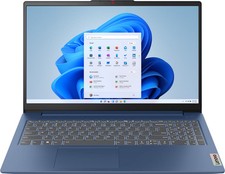
Lenovo - IdeaPad Slim 3 15.6" Full HD Laptop - AMD Ryzen 5 40 2025 - 8GB Memo...
$399.99

Lenovo ThinkPad L14 Gen 3 Laptop 14” FHD Core i5 12th 16GB RAM 512GB SSD Win 11
$374.99
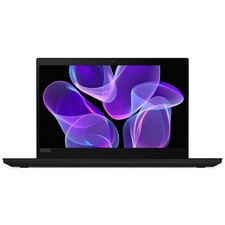
Lenovo Thinkpad T14 Gen 2 14" 16GB, Thunder Black
$313.00

Lenovo Thinkpad E15 Gen 2 8GB RAM 256GB SSD Intel Core [email protected] Laptop
$220.36

LENOVO THINKPAD T14s GEN 2a Ryzen 7 PRO 5850U 1.9GHz 16GB 256GB TOUCH - NO OS
$299.95
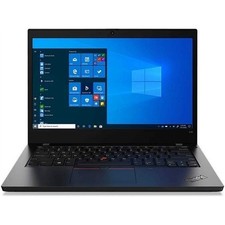
Lenovo ThinkPad L14 Gen 1 i5-10210U 16GB 512GB SSD Win 11 Pro Very Good
$229.99

Lenovo Thinkpad T14 Gen 2i 14" 16GB 512GB, Black
$313.00

Lenovo IdeaPad 5 2-in-1 15.3" WUXGA Touch Ryzen AI 7 445 16GB 512GB SSD IR Cam
$627.00
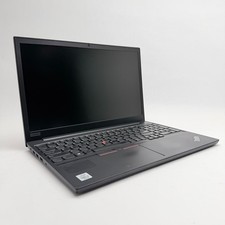
Lenovo Thinkpad E15 15.6" Laptop i5/i3 8GB RAM Up to 1TB SSD HDD Tested Working
$136.55
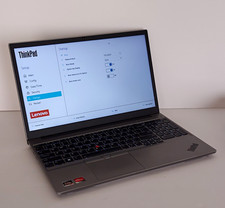
Lenovo ThinkPad E15 Gen 4 15.6in FHD Ryzen 7 16GB RAM 512GB SSD Radeon
$280.00



 Reply With Quote