

 Reply With Quote
When I list the file attributes of /etc/X11 it is shown as in standard listing from the terminal in:Code:init 2
lrwxrwxrwx 1 0 0 13 Jun 28 2008 X -> /usr/bin/Xorg
as:
-????????? ? ? ? ? ? xorg.conf


I can't build an xorg.conf file, even as superuser, unlike in the earlier versions. Also there is not such file present.
Please explain.
Regards
When I list the file attributes of /etc/X11 it is shown as in standard listing from the terminal in:Code:init 2
lrwxrwxrwx 1 0 0 13 Jun 28 2008 X -> /usr/bin/Xorg
as:
-????????? ? ? ? ? ? xorg.conf
This is a known problem in Knoppix.
Refer to /mnt-system/KNOPPIX/knoppix-cheatcodes.txt:
If you would like to edit your X-Server configuration manually
(config file /etc/X11/xorg.conf), use "knoppix 2" to boot
into runlevel 2 (textmode only) and, after changing the X
configuration, start the X environment with "init 5". Note that
you can always leave the graphical environment with "init 2", and
restart it later with "init 5".
That's what surprised me! I knew that, but still couldn't in init 2 or 3.
Thank you for posting your views.
 Posting Permissions

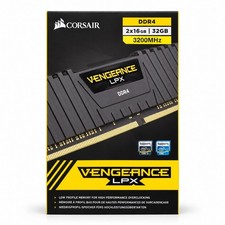
Corsair Vengeance LPX 32GB (2x16GB) DDR4 3200MHz CL16 CMK32GX4M2E3200C16
$159.99

Netac DDR4 32GB 16GB DDR4 3200MHz UDIMM C16 Desktop Internal Memory RAM Kit
$99.99
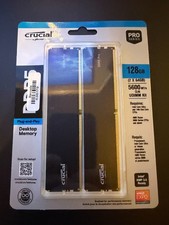
128GB (2x64GB) NEW Crucial Micron DDR5 5600 Desktop RAM UDIMM (CP2K64G56C46U5)
$2085.00

Major Brand 16GB (2x8GB) PC3-12800U DDR3-1600MHz DDR3-12800 DESKTOP RAM NON-ECC
$29.99

RAMAXEL Lenovo 32GB LPDDR5X CAMM2 7500MHz Laptop RAM | UNTESTED
$445.00

DDR4 Laptop RAM 4GB 8GB 16GB 32GB 2400 2666 3200 Samsung Hynix
$30.00
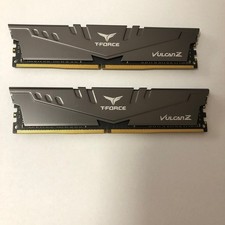
T-Force Vulcan Z 64GB (2x32) DDR4-3200 - tested - READ
$300.00

A-Tech 8GB DDR3 1600 PC3-12800 Laptop SODIMM 204-Pin Memory RAM PC3L DDR3L 1x 8G
$21.68

Corsair Vengeance DDR3 8GB 16GB 32GB 1866MHz PC3-14900 Desktop RAM Memory DIMM
$85.00

16GB ( 4X 4GB ) MEMORY DDR3 PC3-10600 1333MHz FOR DELL OPTIPLEX 790 780 990 980
$39.99