-
1.- Download 32 bits tar.gz for Linux in Adobe flashplayer website.
2.- Extract in graphic mode the tar.gz file, you will get some different files, delete all except libflashplayer.so and place it in the Desktop
3.- Open a root terminal (inside Knoppix menu). And type: cd /usr/lib/chromium/plugins
4.- Then type: mv /home/knoppix/Desktop/libflashplayer.so .
5.- Done
I went to adobe flashplayer website and I could see the clouds moving (telling me that flash was correctly installed)
 Posting Permissions
- You may not post new threads
- You may not post replies
- You may not post attachments
- You may not edit your posts
-
Forum Rules

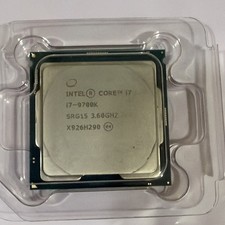
Intel Core i7-9700K Octa-Core 3.6 GHz Desktop CPU
$99.00
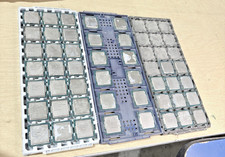
Lot of 44 Intel PROCESSORS i5 and i3 cpu mixed lot
$440.00

Corsair RM750e 750W Fully Modular 80 Plus Gold ATX 3.1 PSU Certified Refurbished
$52.99

LOADED Apple iMac 27" Desktop • OS 2024 • 3 Year Warranty • Bundle Item
$798.00
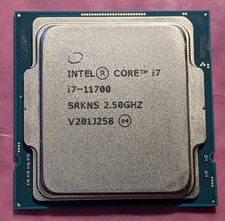
Intel Core i7-11700 SRKNS Desktop Processor 8 Cores up to 4.9 GHz LGA1200 Tested
$136.95

Intel i7-8700 Coffee Lake 3.2GHz 6-Core Max Turbo 4.6GHz Processor
$69.99

Intel Core i7-7700T 2.9GHz 8MB Socket LGA1151 Quad Core Processor SR339
$39.99
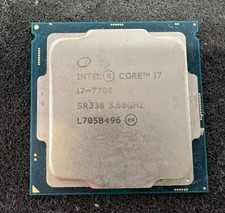
Intel 7th Gen Core i7-7700 3.6GHz 4 Core 8 Thread LGA1151 CPU SR338
$42.99
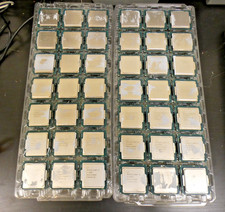
Intel Core i5-6500T SR2L8 2.50GHZ Quad Core CPU Processor LGA 1151 (Lot of 18)
$174.99
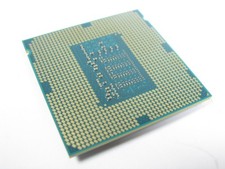
Lot Qty Intel Xeon Platinum 8280 SRF9P CPU Processor
$218.69



 Reply With Quote