

 Reply With Quote
You can either select "kde" from the menu "Knoppix → Knoppix-Desktop..." or you use the Cheatcode of → ### Desktop ###.


Hello everyone,
i am new to Linux but i want to use Knoppix. I download Knoppix V7.4.2 DVD and i don't like XFCE desktop. For that i want to use KDE desktop. How can i do that? Thank you.
You can either select "kde" from the menu "Knoppix → Knoppix-Desktop..." or you use the Cheatcode of → ### Desktop ###.
How can i do that?Originally Posted by Werner P. Schulz

Did you read the link?
Hey there NovFri:
My first computer experience was on an 8088 (and almost a daily user, since then)... And I still have trouble remembering to look for the color change / cursor change that tells me there is a clickable LINK for me to go read at another URL location ! ( it's always something!)
 Posting Permissions


Yealink T48S VoIP/SIP Phone, 2 x Gigabit Ports PoE 7" Color SIP-T48S | TESTED
$34.95

Cisco 8861 Gigabit IP Phone Phone 5-line business-class VoIP Wifi Bluetooth
$39.99
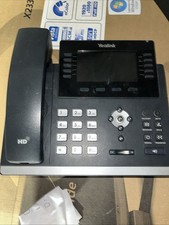
Yealink SIP-T46S IP Phone - Black
$20.00

Poly CCX 400 Desktop Business Media Phone VoIP 2200-49700-019
$49.99

Yealink SIP-T33G IP Phone 4-LineSpeakerphone VoIP Desk Phone Black w/ Power Sply
$25.00

Grandstream HT701 1-Port FXS Analog Telephone Adapter ATA VoIP Gateway -Free S/H
$19.99
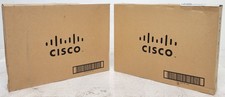
Lot of 2 OPEN BOX Cisco IP Phone CP-8841 5 Line Gigabit VoIP Phone CP-8841-K9=
$189.99
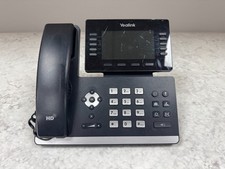
Yealink SIP-T54W IP Phone - WORKING - POOR SCREEN CONDITION - (PoE)
$48.99

Cisco CP-8841 IP Phone Charcoal Handset And Stand Included
$27.99

Grandstream WP810 Portable Cordless Wi-Fi IP Phone
$49.28