-
Checking for errors
Depends on the type of partition (thanks Dave) but in general you can use the fsck command (man fsck). Also check the CD for errors to make sure there isn't a bad spot on your install media. You can do this by doingwhen you boot with the CD.
Similar Threads
-
By stevesr0 in forum General Support
Replies: 6
Last Post: 02-20-2005, 05:59 PM
-
By winglion in forum Hdd Install / Debian / Apt
Replies: 6
Last Post: 11-07-2004, 08:54 AM
-
By jch02140 in forum General Support
Replies: 4
Last Post: 06-18-2004, 03:14 PM
-
By TMcGrath in forum Tips and Tricks
Replies: 0
Last Post: 02-21-2004, 10:41 AM
-
By igor_m in forum General Support
Replies: 4
Last Post: 12-26-2003, 05:48 PM
 Posting Permissions
- You may not post new threads
- You may not post replies
- You may not post attachments
- You may not edit your posts
-
Forum Rules


Vintage AOL America Online PC Version 1.0 Install Floppy Disks #1 & #2 DOS RARE
$149.00

5x Vintage SSS SCP1802D SCP1802LD Ceramic CPU 1802 COSMAC 1978 Gold IC
$299.99

GNAT Computers 8005 Vintage 1975 Multiply Divide Module Intel 8080 Computer Boa
$239.99

Vintage MICRON DESKTOP PC 133MHz Pentium - SEE BioS SCREEN PICS
$475.00

Vintage SWP ATR8000 CP/M Z80 Computer System Atari 800/400 + Software Manual
$499.99

First Class 9720H for Commodore External Hard Drive Memory Vintage Ap1
$173.98

Vintage 1990s eMachine Computer with Gaming ports- Monitor Not Included
$120.00

Vintage 1988 Western Digital WDC TOPSEARCH 60-000233-01 REV X0 ROM Controller
$79.99
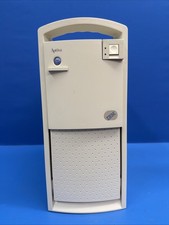
Vintage IBM Aptiva 2176-C23 Pentium 120MHz 40MB 1.6GB Solaris 7 BOOTS Parts Read
$299.00
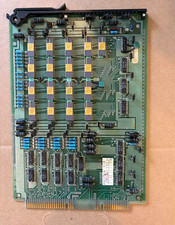
Vintage Telecom ATT Circuit Board 4k RAM Memory Gold Cap IC Western Electric
$199.99



 Reply With Quote