

 Reply With Quote
try typing "su" in konsole
You would also probably have to change your HD read/write status by right-clicking on it and choosing that option


I'm trying to edit a few system files but don't have permission to overwrite them - can someone tell me how to log in with full access (read/write) to the system files?
try typing "su" in konsole
You would also probably have to change your HD read/write status by right-clicking on it and choosing that option
From the Start->Knoppix menu, click on Root Console.
It's all in the documentation for your reading pleasure.
Alternatively, the user "knoppix" has sudo permission.
In other words, preface your editing command with "sudo"
I.E. sudo vi {filename}
That should also work.
Joe
 Posting Permissions


OEM Genuine 42Wh WDX0R For DELL Inspiron WDXOR Battery 15 5567 5568 13 5368 7368
$22.99

OEM 68Wh 3HWPP Battery For Dell Latitude 5401 5501 5410 5510 E5411 E5511
$28.99
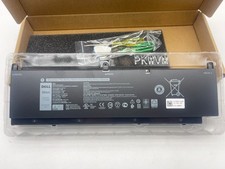
OEM Genuine 95WH PKWVM C903V Battery 7550 For Dell Precision CR72X 17C06 447VR
$37.40
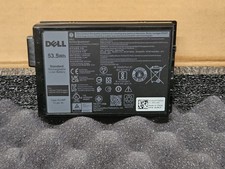
NEW OEM Dell Battery Latitude 5430 7330 Rugged Extreme 53.5Wh 11.4V 06JRCP XVJNP
$99.95

OEM Genuine 86WH 69KF2 Battery For Dell XPS 15 9500 Precision 5550 M59JH M15 M17
$45.49

OEM 68Wh 3HWPP Battery For Dell Latitude 5401 5411 15 5501 5511 Precision 3541
$35.78
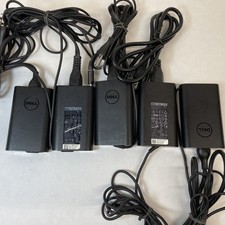
Lot of 5 Dell OEM 65W 7.4mm 19.5V 3.34A AC Adapters Mixed Models B Grade
$36.99
NEW OEM V6W33 Battery For Dell Inspiron 3510 5510 Latitude 3330 3320 Vostro 3515
$22.00
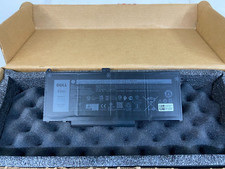
New Genuine OEM Dell Latitude 5420 5520 3560 4 Cell Laptop Battery RJ40G M033W
$49.95
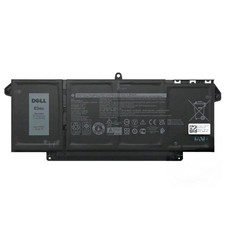
Genuine OEM 63Wh 7FMXV Battery For Dell Latitude 5320 7320 7420 7520 4M1JN TN2GY
$32.99