

 Reply With Quote
try typing "su" in konsole
You would also probably have to change your HD read/write status by right-clicking on it and choosing that option


I'm trying to edit a few system files but don't have permission to overwrite them - can someone tell me how to log in with full access (read/write) to the system files?
try typing "su" in konsole
You would also probably have to change your HD read/write status by right-clicking on it and choosing that option
From the Start->Knoppix menu, click on Root Console.
It's all in the documentation for your reading pleasure.
Alternatively, the user "knoppix" has sudo permission.
In other words, preface your editing command with "sudo"
I.E. sudo vi {filename}
That should also work.
Joe
 Posting Permissions

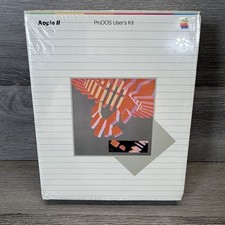
Vintage 1983 Apple II ProDOS User's Kit Computer Software NEW SEALED A2D2010
$64.95

Apple Macintosh Classic M1420 Vintage Desktop Computer Model Macintosh Classic
$100.00

Vintage Apple Extended Keyboard- M0115 - no cord
$49.99

Vintage Apple II Avant-Garde Creations Super Shape Draw And Animate 1981
$295.00

Vintage Apple iBook G3 12.1” 500MHz 2001 Restored, SSD Upgraded Mac OS 9.2/OS X
$180.00

LARGE LOT Vintage Apple Macintosh Mouse Cables Accessories SCSI etc - UNTESTED
$80.00
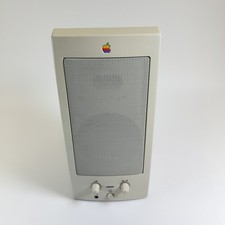
Vintage Apple AppleDesign Powered Speakers M6082 Single Beige 1993 Mac Audio
$24.99

Vintage Apple Macintosh Plus 1MB - M0001A W/ Keyboard, 2 Mice, 800K HD, + More
$300.00
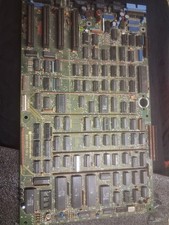
Vintage Apple III Motherboard Logic Board 820-0043-00 E Fully Populated Tested
$210.00

Vintage Apple Multiple Scan 15av Display Monitor M4681
$299.99