-
How do I get a full output of "lspci -v" ? (Can't see HDD)
Hello, I bought Knoppix USB (and am learning Linux) with a view to reformatting an old Windows 7 laptop HDD. Knoppix booted up fine from the USB stick but can't see the HDD. This might be because it can't see it, but alternateively it could simply be that I don't know where to look on the Knoppix GUI, being new to Linux. I can't see any levels "above" or "outside" the Knoppix. The laptop mouse seems to work fine.
I see the forum instruction, for those who cannot see hardware to 'post a full output of "lspci -v" ' but I don't know what that means. Can anyone give me a reference for instructions on this point?
Thanks for your help.
 Posting Permissions
- You may not post new threads
- You may not post replies
- You may not post attachments
- You may not edit your posts
-
Forum Rules

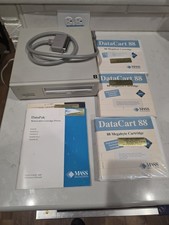
Vintage Mass Microsystems DataPak 88MB Removable External SCSI Hard Drive...
$149.99
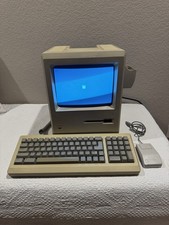
Apple Macintosh Plus 1Mb Vintage Desktop Computer w/ Keyboard & Mouse
$350.00

Ast Advantage Adventure 4050D Vintage Retro Computer Great Condition
$199.99

Vintage HP 21MX 1000 M-Series Minicomputer Chassis Backplane Parts AS-IS
$228.19
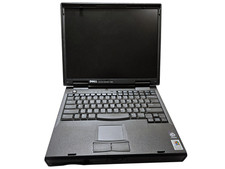
Vintage Dell Inspiron 7500 15" Pentium II 400MHz 128MB 4.8GB Windows 2000 Pro
$59.00

Vintage Computer Keyboard Northgate OMNIKEY Ultra
$120.00
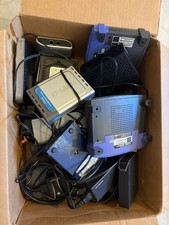
15pc Vintage Networking Electronics Lot Netgear Linksys D-Link Roku Untested
$85.00

Vintage Gray AC Power Cable Cord 3-Prong Plug to 3-Prong 3-Slot Connector
$50.00

Lot of 2 Vintage Plextor PX-43CS SCSI CD-ROM Caddy Drives + 4 Caddies Used
$55.99
Vintage Apple Keyboard (MO110)
$61.30



 Reply With Quote