

 Reply With Quote
modprobe ne io=0x300 irq=11
Should work...


I have an old ISA NE2000 compatible nic that isn't detected at startup. How can I:
o alias eth0 to the ne module
o specify irq=11 and io=0x300 options for the ne module
o load the module
Thanks...
modprobe ne io=0x300 irq=11
Should work...
... and it did work. Thanks.Originally Posted by stonent
(I feel a littleas I should have known that)
That's ok, I had to refresh the memory myself.
Hi,
Forgive me, but Im new to Linux. Where would you enter/place this? At a cmdline once inside Knoppix, or is there a file it can be saved to? (for automated CD boot).
Thanks
Brad
Nevermind... figured it out.
http://www.knoppix.net/forum/viewtop...asc&highlight=
 Posting Permissions

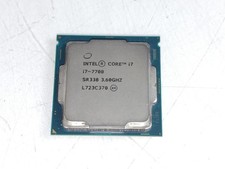
Intel Core i7-7700 3.6 GHz 8 GT/s LGA 1151 Desktop CPU Processor SR338
$39.99
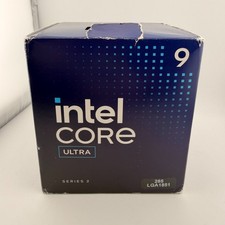
READ Intel Core Ultra 9 285 Processor LGA 1851
$449.99
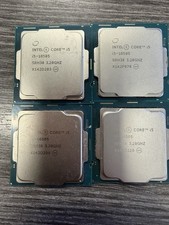
LOT OF 4 Intel Core i5-10505 6-Core 3.2GHz SRH38 CPU Processor
$349.95
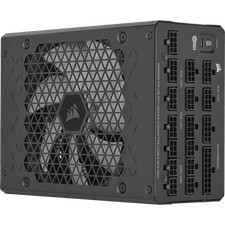
Corsair HX1500i 1500W 80+ Platinum Fully Modular ATX 3.1 PSU Certified Refurb
$207.99
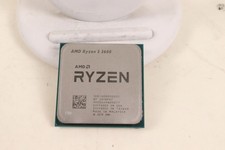
AMD RYZEN 5 3600 PROCESSOR | 3.60GHZ | 100-000000031
$59.99
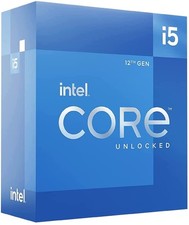
Intel Core i5-12600 3.30 GHz Processor CPU
$119.99
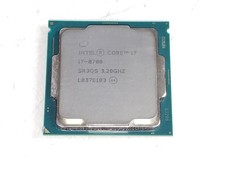
Intel Core i7-8700 3.2 GHz 8 GT/s LGA 1151 Desktop CPU Processor SR3QS
$67.99

Intel Core i9-9900 3.10GHz CPU Processor SRG18
$165.00

INTEL CORE I7-870 SLBJG 2.93GHZ LGA1156 4 CORE CPU PROCESSOR
$23.00
Intel Core I7-3770 Processor (3.40GHz, 4 Cores, Socket H2 LGA-1155) - SR0PK
$40.00