-
How do I use my own custom startup file that will run when X Window starts?
Summary
I have Knoppix installed on my hard disc (distro 7.0.2, kernel release 3.3.7).
How do I use my own custom startup file that will run when X Window starts?
I've put an executable shell script in the directory /etc/X11/Xsession.d/ but
the command inside it doesn't run.
Please could you tell me what's wrong, and what I need to do? Thanks.
Full Desccription
When X Window starts, I'd like to use an X11 startup file to run the Kate
editor so that a Kate window appears, containing the file I want to view. I've
put a startup file in the directory /etc/X11/Xsession.d/ called "a90-custom"
(named so that it runs last). It's a bash script (made executable) containing
Code:
#! /bin/bash
kate --new /home/knoppix/text-file.txt &
But after bootup, and after X Window starts, the Desktop appears but with
no Kate window showing.
-
Try using you desktop's autostart feature to run the program after Knoppix logs in
 Posting Permissions
- You may not post new threads
- You may not post replies
- You may not post attachments
- You may not edit your posts
-
Forum Rules


Cisco/Linksys SPA2102 VoIP Phone Adapter Router 2FXS (Unlocked)
$17.99

Yealink SIP-T54W Prime Business IP Phone Gigabit WiFi Bluetooth VoIP
$59.95
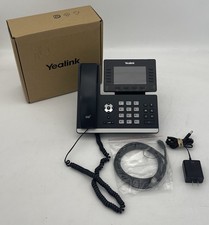
Yealink SIP-T54W Prime Business IP Phone Gigabit WiFi Bluetooth VoIP
$59.95
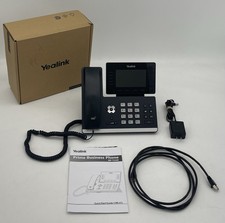
Yealink SIP-T54W Prime Business IP Phone Gigabit WiFi Bluetooth VoIP
$59.95

Cisco / Linksys SPA2102 VoIP 2FXS Phone Adapter with Router (unlocked)
$18.99

Cisco CP-8821-K9 Wireless VoIP Phone w/ Battery - WORKING
$144.99

Lot Of 16: Polycom VVX 501 VoIP Touchscreen Desktop Phone W/Handsets & Stands
$150.00
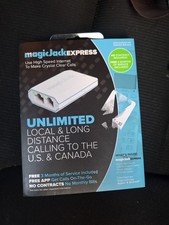
magicJack Express VoIP Phone Adapter - Brand New In Box (3 Months Free Service)
$29.00
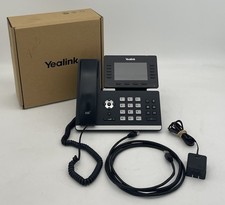
Yealink SIP-T54W Prime Business IP Phone Gigabit WiFi Bluetooth VoIP
$59.95

Grandstream WP810 Portable Cordless Wi-Fi IP Phone
$54.99



 Reply With Quote