

 Reply With Quote
Hm IIRC you'll need to boot using knoppix 2 (console only), then edit your X config file to work with TV output. Once that's done, you start X using /etc/init.d/xsession start (I think)


I am using Knoppix on CD to watch DivX films (using Xine). I can watch them fine on the laptop but when I connect my laptop to the TV using RCA composite I get a problem.
Only the top right portion of the laptop screen is visible on the TV. How do I change the resolution so that I can watch the films on the TV?
I have already tried entering 'knoppix vga=0x311 screen=460x360' at boot. This works fine while Knoppix is loading (ie the screen shrinks) however when the GUI comes up all normal resolution is restored.
Kit
Hm IIRC you'll need to boot using knoppix 2 (console only), then edit your X config file to work with TV output. Once that's done, you start X using /etc/init.d/xsession start (I think)
 Posting Permissions


RAM-HOL-SAM52CPU RAM USB-C Powered Dock Samsung Tab Active4 Pro & Tab Active Pro
$81.99
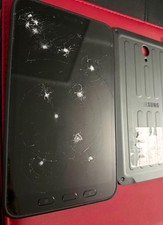
Samsung Galaxy Tab A SM-T280 Digitizer Battery Back Cover EB-BX306GBY
$150.00

Samsung 2.5" 870 EVO SSD SATA III 250GB 500GB 1TB Internet Solid State Drive Lot
$90.00
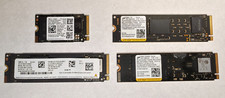
Lot of (4) 1TB NVME SSD M.2 2280 Samsung Micron Used
$399.00

RAM-HOL-SAM60CPU RAM USB-C Powered Dock for Samsung Tab Active5 - 3 - 2
$81.99
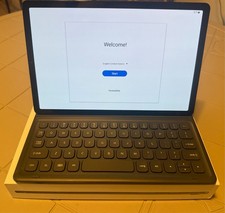
Samsung Galaxy Tab S5e 10.5 Screen 128GB Storage and a Samsung KEY BOARD
$150.00

RAM-GDS-SKIN-SAM54-NG-1 RAM Mounts IntelliSkin® Next Gen for Samsung Tab Active4
$93.99

Samsung SCXSTP000, SCX-STP000 (Swingline Staple Cartridge - 3 Refills)
$57.99

Samsung 24" S3 Essential IPS 100Hz Monitor | Sealed | Fast shipping
$50.00

NEW Samsung NoteBook NT930QCG touch LCD Full Screen Assembly Blue
$225.77