

 Reply With Quote
Try searching the debian user list I have seen a few post in there about problems with fonts in mozilla after an upgrade.


I used Synaptic to upgrade Mozilla to 1.4, everything works, my prefs are kept, except that the fonts are strange, instead of the fonts that I have installed (and are still there, other apps can use them) I get a choice of things like:
bitstream-courier-iso8859-1
adobe-courier-iso8859-1
etc, all end in an iso number, and my usual fonts are not there.
Any hints?
Thanks,
Try searching the debian user list I have seen a few post in there about problems with fonts in mozilla after an upgrade.
Thanks, I tried there, but couldn't find this problem. I wonder if there is somewhere in Mozilla where I have to point it to the font directory to use? It seems like it has the wrong one?
You may have to uninstall mozilla and reinstall it. But I would try do the following first:
apt-get update
apt-get -s dist-upgrade ; this will show you what is upgraded
apt-get dist-upgrade
or if you don't want to upgrade everything try
apt-get install mozilla
 Posting Permissions

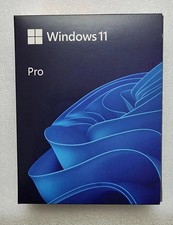
Microsoft Windows 11 Pro 64-Bit USB Flash Drive (HAV-00162)
$37.99

Microsoft Windows 11 Pro 64bit - New Sealed – Flash USB 1 PC
$49.99
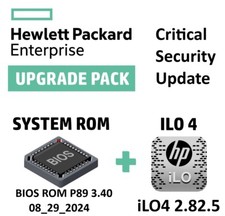
Critical BIOS ROM HPE ProLiant DL60 DL80 Gen9 (U15) U15_3.40_08_29_2024+iLO4
$7.99

Critical BIOS ROM HPE ProLiant DL160 DL180 Gen9 (U20) U20_3.40_08_29_2024+iLO4
$7.99

USB Type-A Flash Drive Metal Memory Stick High Speed USB Drive 128GB 256GB 512GB
$8.47
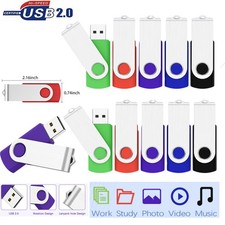
USB 2.0/3.0 Flash Drive Pendrive Memory Stick 2GB,4GB,8GB,32GB,64GB,128GB Lot
$645.99
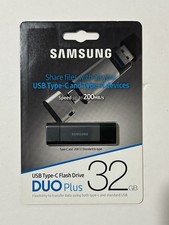
New Samsung DUO Plus 32GB USB 3.1 USB-C Flash Drive Gray MUF-32DB/AM
$19.95

1/ 10/ 100pcs USB 2.0 2GB, 4GB ,8GB ,16GB ,32GB ,64GB 128GB USB Flash Drives Lot
$269.10
Critical BIOS ROM HPE ProLiant DL380/DL360 Gen9 (P89) P89_3.40_08_29_2024+iLO4
$7.99

Critical BIOS ROM HPE ProLiant BL460cWS46 Gen9 (I36) I36_3.40_08_29_2024+iLO4
$7.99