

 Reply With Quote
Go into the Control Center -> Appearences & Themes -> Fonts and adjust the fonts and sizes to suit you needs. You may also want to trun on Anti-alaising also if it is not selected.


I have installed Knoppix to the HDD and find that the fonts are really small and i can't find a way to make them larger. The web page fonts are ok but everything else is no good. Any ideas?
Go into the Control Center -> Appearences & Themes -> Fonts and adjust the fonts and sizes to suit you needs. You may also want to trun on Anti-alaising also if it is not selected.
I know how to configure all that but the actual Mozilla Browser is the problem. Teh font size in the top menu bar and the address bar stay annoyingly small.
there is some file under the .mozilla directory which defines this, try to search chroma in this forum. I remembered I have seen it some where.
 Posting Permissions


Intel Core i5-12500T SRL5W 2GHz 18MB 6 Core Socket LGA1700 Desktop CPU Processor
$114.99

INTEL CORE I9-10940X X-SERIES PROCESSOR | 3.30GHZ | SRGSH
$179.99
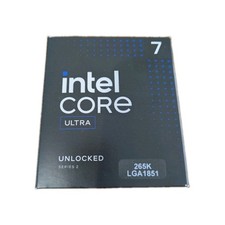
Intel Core Ultra 7 265K CPU Desktop Processor LGA 1851 20-Core - New
$284.79

Lenovo ThinkCentre M920s SFF Barebones PC Motherboard PSU DVD No CPU RAM SSD
$27.99

AMD Ryzen 5 5500 Processor ( read Description)
$59.00

Intel Core I7-7700 SR338 3.60 Ghz Processor
$39.99

Intel Xeon E3-1230 v3 SR153 3.3GHz Quad Core LGA 1150 CPU Processor
$14.49

Intel Core i7-3770K 3.5 GHz Processor
$39.00

AMD - Ryzen 7 5800X3D 8-Core - 16-Thread 3.4 GHz (4.5 GHz Max Boost) w/ Ice Pad
$355.99
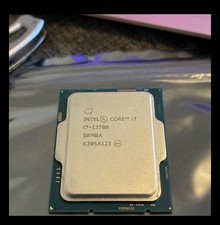
USED - Intel Core i7-13700 SRMBA 2.10GHz 30M 16-Core Socket 1700 CPU Processor
$250.00