

 Reply With Quote
try cdrecord -scanbus and that should give you the device name.. mine is dev=1,0,0 .. then i think to mount try mount dev/1,0,0 ?? i dont know, see if that works, if not.. sorry im a newb too


Hi,
I am a total newbie to knoppix which I run off my computer's CD ROM. I also have a USB CD drive/writer which I would need to mount as knoppix does not "see" it.
How do I do this?
Many thanks in advance
Andrei
PS: the USB driver/burner is a HP-8200 Plus series
try cdrecord -scanbus and that should give you the device name.. mine is dev=1,0,0 .. then i think to mount try mount dev/1,0,0 ?? i dont know, see if that works, if not.. sorry im a newb too
Hmm. If you're running from the cd, then Knoppix should have detected it and put an icon on your desktop - at least my external usb cdrom burner works that way.
To see whether or not your cdrom device was detected properly look at the contents of dmesg by issuing the following command from a shell.
dmesg |more
 Posting Permissions


Original Vintage Old Style STANDARD Black CD Jewel Case (Heavy Duty) 90g Lot
$316.95
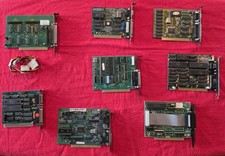
Lot 8 Vintage ISA Computer Expansion Cards VGA Video Network Parallel Retro PC
$149.99
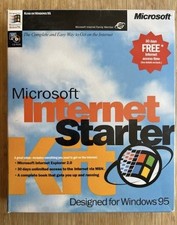
Vintage Microsoft Internet Starter Kit, IE 2.0, Windows 95.
$85.00

Vintage Dell Dimension L933R Desktop PC Pentium III 933MHz 192mb RAM BIOS BOOTS
$130.00
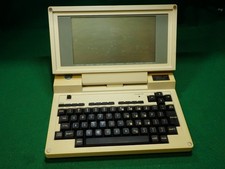
Vintage Tandy 200 Portable Computer with plastic travel sleeve, no power supply
$249.99
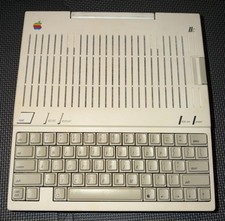
APPLE IIC A2S4000 VINTAGE PERSONAL COMPUTER UNTESTED AS-IS, NO POWER CABLE
$149.95
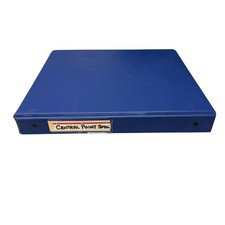
Vintage Central Point Software PC Tools Binder & 5.25" Floppy Disk Lot - Mixed
$39.98
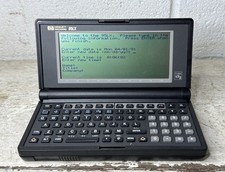
Vintage Hewlett-Packard HP 95LX Palmtop PDA MS-DOS 1MB B&W LCD Works
$90.97
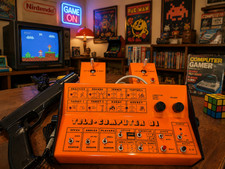
PONG 🌈RaRe🌈 Vintage Tele Games Retro Video Game TV Console Computer
$1699.00
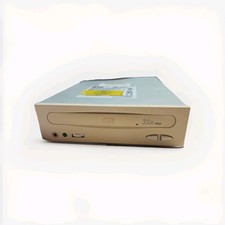
Vintage BTC (Behavior Tech Computer Corp) 32x Max CD-ROM Drive | Model BCD-32XH
$19.00