

 Reply With Quote
Try using the cheat code noddc to stop detection of the monitor along with any others you are using at the boot: prompt.


When I boot to Knoppix using a bootdisk I see all the initialisation screens, but once it finishes all i get is a black screen. if i move the mouse the cd is used, but i dont know what for.
I have 2 video card, my old S3 built in and my Voodoo 3 2000.. My monitor is connected to the Voodoo. I thought that maybe if i plugged the monitor into the s3 port it would work, but i dont see anything when i reboot, not even the motherboard screen!
Try using the cheat code noddc to stop detection of the monitor along with any others you are using at the boot: prompt.
That didn't work, but thanks anyway.
I forgot to mention that the monitor actually switches off while about to load the X Window system (KDE?)
What other cheat codes have you tried another one you may want to try is noapm to stop the advanced power management.
But you see the thing is that it works fine under Red Hat and Windows.
Theres another thread by Kesa that has the same problem. Its kinda annoying.
 Posting Permissions

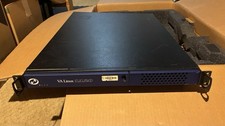
VA Linux 1120 1U Rackmount Server
$100.00

NVIDIA Jetson TK1 + Intel NUC Compute Cluster Tray w/ Netgear 16-Port Switch
$499.99

Ubuntu Server 26.04.1 LTS Bootable USB Flash Drive – Latest September 2026
$12.99

OPNsense pfSense 8-Core Atom C3758 2.2GHz 8GB DDR4 64GB SSD 8x NIC QAT AES VPN
$115.00

OPNsense Firewall VPN QAT 8-Core Atom C3758 2.20GHz 16GB DDR4 128GB SSD 8xNIC
$175.00
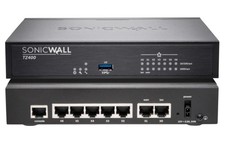
Dell SonicWall TZ400 Network Security Appliance Firewall New
$245.00

All New Ubuntu 26.04 LTS Linux Bootable USB Flash Drive
$15.95

Start9 Server Pure 32GB 4TB Intel i7 Node StartOS — Box + PSU
$649.00
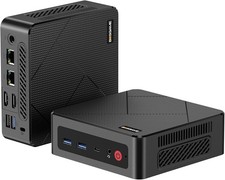
BOSGAME E4 Air Mini PC, AMD Ryzen 5 3500U 8GB DDR4 256GB SATA SSD
$169.99

SQL Server 2022 Enterprise 96 Core License & DVD Unlimited CALs with CoA
$284.99