

 Reply With Quote
Sorry for the post, but I allready figured this one out...
In the script, I just put in :
for DEB in ls *.deb; do dpkg -x $DEB /dir; done
(in case anybody needs this)


I'm writing a script that will ask the user for a packagename and :
#apt-get install -b <packagename>
(inside a chrooted environment)
This way, it will download all the dependencies as well.
After this, I move the files to a certain directory and I want to extract them from there with :
#dpkg -x <deb-file> /directory
My problem here is, that I can't select '*.deb' as input for this, as dpkg -x can only handle 1 file at a time.
As I don't know the .deb-file-names in the directory, I cannot do this one by one.
Hopefully, somebody here has a solution for this ?
Sorry for the post, but I allready figured this one out...
In the script, I just put in :
for DEB in ls *.deb; do dpkg -x $DEB /dir; done
(in case anybody needs this
 Posting Permissions


OPNsense pfSense 8-Core Atom C3758 2.2GHz 8GB DDR4 64GB SSD 8x NIC QAT AES VPN
$155.00

Zero Trace Pen: All-in-one Tor Network Anonymous Drive + Cryptocurrency Wallet
$147.00

Check Point 1590 Firewall & w builtin WiFI and builtin LTE sim slot
$95.99

OPNsense pfSense 16-Core Atom C3958 16GB ECC RAM 512GB SSD 8-Port QAT AES-NI VPN
$258.00
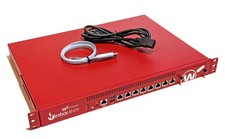
8-Port OPNsense Firewall VPN AES-NI Core i7-6700 3.40GHz 8GB DDR4 256GB SSD Rack
$110.00
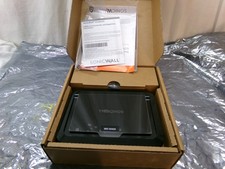
Sonicwall SOHO 250 Security Firewall Appliance
$129.95
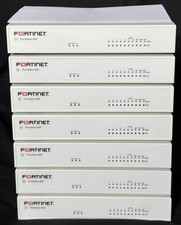
Fortinet FortiGate 60F FG-60F Firewall Tested Reset Deregistered OEM PSU
$99.99
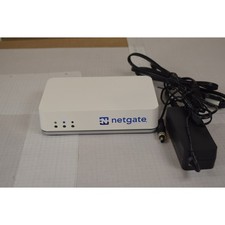
Netgate SG-2100 pfSense Plus 26.07 Firewall VPN Router - Wiped, Fresh Install
$174.99
$170.00

NETGEAR ProSafe 8-Port Gigabit VPN Firewall FVS318G NEW IN BOX
$69.99