
When I go on X-Chat I get a message that:
Your download directory is your home directory. You should change this.
How do I change it?
If you have time why do I need to change it? (Which DOC or MAN) do I need to read?


When I go on X-Chat I get a message that:
Your download directory is your home directory. You should change this.
How do I change it?
If you have time why do I need to change it? (Which DOC or MAN) do I need to read?
Once the connection is made go to perferences -> network -> file transfers then change the setting to whatever you want. As to why you get the warning to change it I would image it has to do with security but you would think it should actually make you set the path before you can download anything not give you a warning for a preset path, I just checked my install and it was set to my /home and it did not give me that warning strange indeed.Originally Posted by FelixDzerzhinsky
 Posting Permissions


Lot of 3 VIntage Apple Computer Rainbow Logo Sticker Decal Macintosh 1980s NOS
$7.00
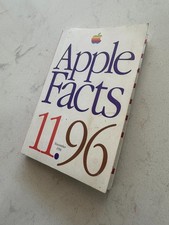
Apple Facts 11.96 November Vintage Apple Computer Book
$99.00
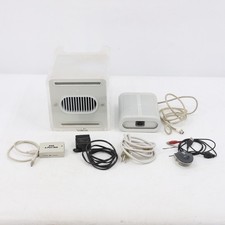
Vintage Apple Power Mac G4 Cube M7886 2000 450MHz 128MB RAM 20GB HD
$299.99
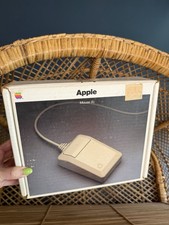
Original Apple Mouse IIc Box Only Vintage 1985
$40.00
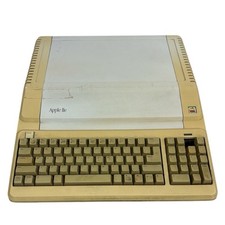
Vintage Apple IIe Platinum 128k Computer A2S2128 ~ Powers On
$250.00
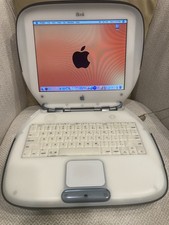
Vintage Apple iBook Clamshell Graphite 466MHz 60GB HD 128 Ram OS 9 & 10
$350.00
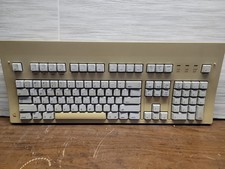
Apple Extended Keyboard M0115 Vintage ADB Macintosh Keyboard Untested No Cable
$69.99
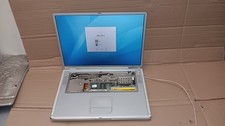
Vintage Apple PowerBook G4 Titanium Laptop 800 MHz 60 GB HD 15" LCD Screen A1001
$79.99

Vintage 1988 Apple Macintosh Plus 1MB M0001A Computer Keyboard WORKING See Video
$225.00
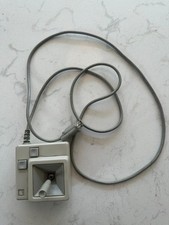
Original Early Vintage Macintosh Joystick for IIe IIc A2M2012 Untested
$99.00

 Reply With Quote