-
Senior Member
registered user
Use 'Lineighbourhood'
Then add machine directly on IP (not the name !)
specify the user and password of the W2K,XP,NT client.
Rightckick on the computer appearing and browse again with the user and password of the W2K,XP,NT client.
Now you'll see the shares (even system shares  ).
).
That's accessing to a windoze share.
(you could use the command 'smbmount' too )
Sharing your linux is something else.
I use the FTP server (together with ssh server).
Code:
 passwd Knoppix
 sudo rm /etc/hosts.deny
 sudo rm /etc/hosts.allow
 sudo /etc/init.d/inetd restart
 sudo /etc/init.d/ssh start
Read out your ip by typing 'ifconfig'
On the windoze FTP client I use Filezilla (from http://filezilla.sourceforge.net/ )
On the windoze ssh client I use putty ( http://www.putty.nl/download.html )
Similar Threads
-
By dprobert in forum Networking
Replies: 0
Last Post: 06-10-2005, 08:44 PM
-
By brianp in forum Networking
Replies: 1
Last Post: 05-08-2005, 04:07 AM
-
By shiva_iitm in forum Networking
Replies: 1
Last Post: 03-13-2005, 08:02 AM
-
By spartyguy in forum Networking
Replies: 1
Last Post: 05-21-2004, 04:36 PM
-
By WT in forum General Support
Replies: 1
Last Post: 12-12-2002, 06:40 PM
 Posting Permissions
- You may not post new threads
- You may not post replies
- You may not post attachments
- You may not edit your posts
-
Forum Rules


Vintage Timbuk2 Crossbody Messenger Bag Forest Green/ Black Y2k USA Made
$85.00

Vintage Computer - PC Innovation Intel 486DX2 - Dos Ver 6.2 Windows 3.1
$250.00

Vintage Jetway J-620BF Socket 370 Celeron AT Motherboard SiS 620 Brand New
$75.00

Vintage HP Hewlett Packard 2112A 21MX 1000 M-Series 16-Bit Minicomputer
$419.99

Vintage cross Apple computer branded pen rainbow logo In original box
$100.00

Vintage Cherry W. Germany G80-0486H/05 Mechanical 25-Pin D-Sub Keyboard M8
$170.99
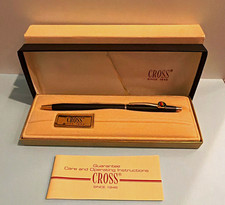
Vintage Apple computer Cross Metal Ballpoint Pen Black Ink Gold Trim
$125.00

Vintage RARE 1980s Apple Computer Logo Frisbee. Great shape, w/ the usual nicks
$220.00
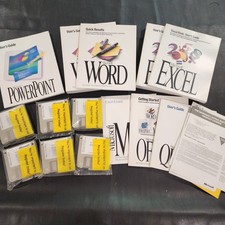
Vintage Microsoft Office 4.2 for Windows Original Floppy Disks & Manuals 1994
$119.99
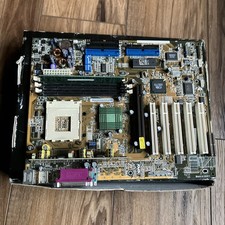
ASUS A7V333 Vintage Motherboard | Untested | For Parts
$44.89



 Reply With Quote