-

Originally Posted by
johnb
right click on the desktop and choose configure desktop. You can change the font colors to you liking and lots of other choices are available.
johnb
Thanks for the suggestion! In fact, I couldn't read the texts at all, due to the grainy display, and white text font. This was all due to having the wrong resolution and colour depth settings, but I found a solution, which I've posted to this (Laptops) section on the site: I got the display setting right, and the colours and fonts were fine after that.
Now I just need to get the PCMCIA Card Manager to work, and I'm laughing: there is apparently a version problem (error message I get).
I ultimately want to put two network cards in the laptop and use it as an Internet firewall, so I need the PCMCIA slots!
Duncan
Similar Threads
-
By metavoid in forum General Support
Replies: 4
Last Post: 03-12-2005, 01:39 PM
-
By mrfuggle in forum General Support
Replies: 4
Last Post: 02-13-2005, 03:30 AM
-
By stuart_b in forum Hdd Install / Debian / Apt
Replies: 0
Last Post: 10-26-2004, 12:52 AM
-
By Pasq in forum Customising & Remastering
Replies: 1
Last Post: 05-02-2003, 07:58 PM
-
By Jmack0013 in forum General Support
Replies: 3
Last Post: 02-18-2003, 04:57 AM
 Posting Permissions
- You may not post new threads
- You may not post replies
- You may not post attachments
- You may not edit your posts
-
Forum Rules

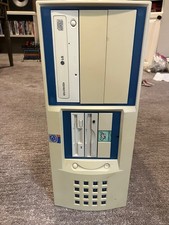
Vintage PC sleeper case 2000 Pentium 4 full tower 6 drive bays
$59.99
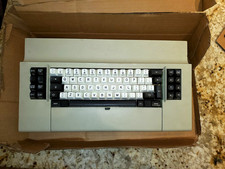
IBM 3270 Keyboard Beam Spring - With Manual - Vintage Rare Beamspring
$3000.00
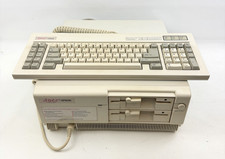
Vintage Epson Apex Plus AP3001A Dual 360K Disk Drives PC w/ Epson Apex Keyboard
$249.95

Vintage HP 21MX 1000 M-Series Minicomputer Chassis Backplane Parts AS-IS
$228.19
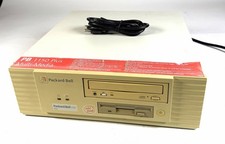
Packard Bell 1150 Plus PB434A Vintage PC Computer Power Tested
$299.99
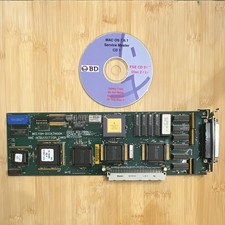
Becton-Dickinson Mac Acquisition Card 03-20061 Vintage For Apple NuBus
$129.00
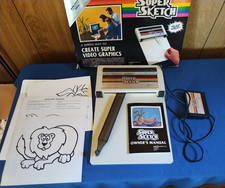
Vintage PPI Super Sketch G2400 for Texas Instruments TI99/4A
$150.00

Original Vintage Old Style STANDARD Black CD Jewel Case (Heavy Duty) 90g Lot
$316.95
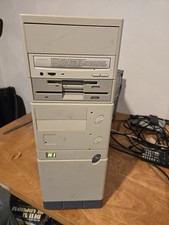
Vintage Retro Cyrix 6x86 133mhz 32mb RAM Floppy Combo
$299.00
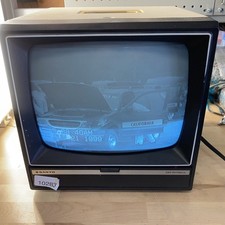
Sanyo DM 5012CM Solid State Data Display Monitor Working Vintage 1980s 80s
$169.99



 Reply With Quote