

 Reply With Quote
Try ' ldconfig ' 1st as root, then the game.
Originally Posted by scm86


Ok, i went and changed the games binaries so they installed to my hardrive, and installed tcl8.4 there too. when i go to start tuxracer from the dir that i unstalled it in, i get the following error:
i cant find any files that show where its lookin for it at, and ive made several copies of the libtcl8.4.so file in diferent dirs, and it still cant find it... HELP!Code:knoppix@ttyp0[bin]$ tuxracer tuxracer: error while loading shared libraries: libtcl8.4.so: cannot open shared object file: No such file or directory knoppix@ttyp0[bin]$
BTW im using knoppix 3.1 from the cd
Scott McNeely
Try ' ldconfig ' 1st as root, then the game.
tried it, no dice, what does that command do?
Scott McNeely
--It's supposed to update the shared libraries. But since you're not installed to HD, I'm stumped.
 Posting Permissions

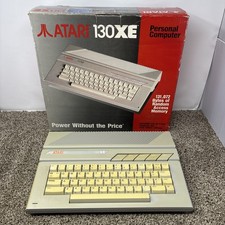
Vintage Atari 130XE Computer FOR PARTS OR REPAIR BAD RAM IN BOX
$180.00
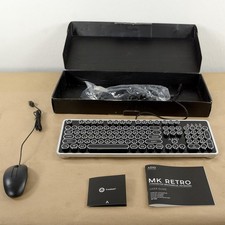
AZIO Retro Classic MK-Retro-01 Mechanical Keyboard Vintage Typewriter Style USB
$69.95
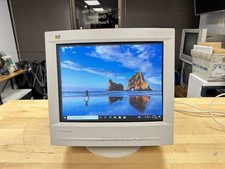
⭐ Vintage 1998 Retro CRT Gaming Monitor 16" ViewSonic GT775 VCDTS21347🔥
$329.99
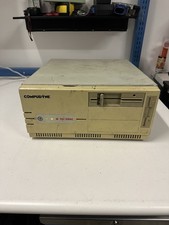
Compudyne Model 25/386C Vintage Retro Gaming Desktop Computer + RAM Powers On
$249.00

Original Vintage Old Style STANDARD Black CD Jewel Case (Heavy Duty) 90g Lot
$316.95
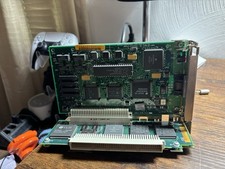
Vintage Apple Macintosh IIsi NuBus Adapter Card 820-0305-01 + Ethernet NB Card
$49.99
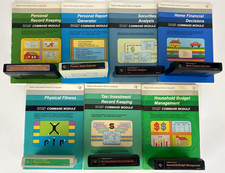
TI-99/4A TI99 Personal Home Utility Software 8 Cartridges Lot Vintage Computers
$60.00
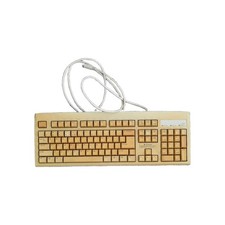
Vintage IBM Microsoft Model 5121 Mechanical Keyboard Wired Clicky 90s Beige Tan
$39.99
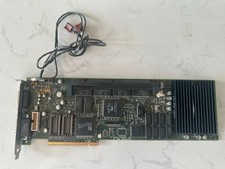
Rare Vintage Apple 820-0729-B PC Compatibility Card PCI PowerMac
$299.00
Vintage DEC Digital Equipment Corp HP Compaq Drive Pullers, Bay Slot Covers
$100.00