

 Reply With Quote
hi!
there is a program, named Xkill, which can help you... you might also use the taskmanager of kde, I dunno its name (using winblows now, just screwed up my linux installation)
look for xkill, or type it in console (which might work also)!
grtz


Hey
Sometimes when i open a program it wont close i tried ALT F4 and to close it what can i do?
hi!
there is a program, named Xkill, which can help you... you might also use the taskmanager of kde, I dunno its name (using winblows now, just screwed up my linux installation
look for xkill, or type it in console (which might work also)!
grtz
1. Open a shellOriginally Posted by computerkid14
2. Type: "ps aux |grep name_of_program"
3. Look at the pid which is returned and then type: "kill pid_of _program" or if that doesn't work "kill -9 pid_of_program"
Hi
thanks for your help
Nathan
guess we like helping
and that's great, cuz that is how it works... others have helped me, now I can help some-one else.
grtz
 Posting Permissions

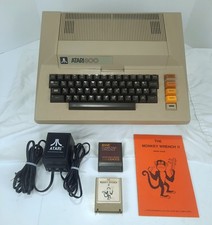
Atari 800 48K 8-bit Computer System With Power Supply & Extras Tested & Working
$354.98

Atari 130 XE/Atari 1050 Bundle W/ Cords And Extras (Powered On)
$300.00

GreaseWeazle v4 board USB floppy drive adapter Retro All Formats
$35.00

DEFECTIVE Atari 810 Vintage Computer Disk Drive powers on Unit Only Boo G3D
$49.29

A8PicoCart Multicart for Atari 800xl /65xe / 130xe / XEGS
$16.95

Fujinet 1.7.1 Atari 400 800 800XL 130XE 65XE XEGS Assembled, Tested, Working
$99.99
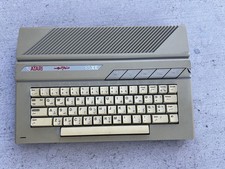
Atari 65XE Case, Metal Shielding, and Working Keyboard ONLY, No Motherboard
$45.00

ATARI Mouse with Adapter for ST, STE, Mega STE, TT Optical - USA Seller
$29.99

UNOCART-2600 SD card Multi Rom Cartridge for ATARI 2600 with CASE
$34.25

Atari 800 8-bit Computer System Fully Tested Great Condition 48k READ
$350.00