

 Reply With Quote
Yes, go to the Control Center -> Pheripherals -> Mouse then Icons section select double click.Originally Posted by Dallas Eschenauer


I've been having a blast with Knoppix and I'm getting along with it real well. There is one thing I can't figure out and it's driving me nuts and I give up on tryng to find the answer in forums or on the Web. So forgive me if it's a simple solution and I can't see the forest for the trees.
How in the heck do I disable the "single click" behavior of the desktop and browser objects? After almost 15 years of double clicking in Amiga, Mac, Windows, Unix, etc. etc. etc. GUIs, I am just NOT going to ever cope with this default single click behavior in Knoppix. Five years from now I'll still be double clicking hda1 on the desktop. Sigh.
Pathetic, isn't it? Please help.
And... THANKS!!
Yes, go to the Control Center -> Pheripherals -> Mouse then Icons section select double click.
it's that easy indeed
 Posting Permissions


Mini Computer Vacuum USB Keyboard Cleaner PC Laptop Brush Dust Cleaning Kit NEW
$13.89

LEVOIT Cordless Vacuum Cleaner, Stick Vac with Tangle-Resistant Design, Up to...
$167.63

Cordless Vacuum Cleaner for 20V Battery, 7-in-1 Lightweight Stick Vacu...
$149.15
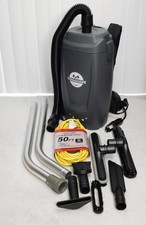
Tomahawk TVAC6PLUS 6 Qt Commercial Backpack Vacuum Cleaner Corded Hepa complete
$219.00

2-in-1 Compressed Air Duster & Vacuum, Brushless Motor, 320000RPM
$37.99

(2) Battery For FoxNoble Cordless Vacuum Cleaner GLBP01-6S26
$49.00
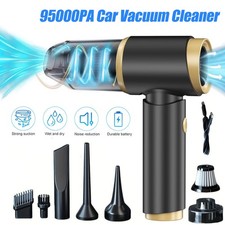
95000PA Wireless Car Vacuum Cleaner Air Blower Wireless Handheld Rechargeable US
$21.98
Mini Cordless Electric Keyboard Car Vacuum Cleaner Cleaning Duster Rechargeable
$9.97

V3 Robot Vacuum and Mop Combo,Self-Charging,5000pa Strong Suction,WiFi/Alexa NIB
$82.00
14500 Pa Computer Vacuum Cleaner Mini & 110000RPM Compressed Air Duster for Keyb
$47.90