

 Reply With Quote
Make the changes and use the save-config option to save the setting to floppy then use the 'knoppix floppyconfig' command at start-up.


i'm a newbie but I would like to change a few very minor changes. Like the default icon & wallpaper set and theme also a new splash screen. This is all I would like to do. How would I start by making these changes so when I burn a new copy everything I want well already be the way I want it to be. and take out some of the packages I don't want?? once again can a newbie do this???
Make the changes and use the save-config option to save the setting to floppy then use the 'knoppix floppyconfig' command at start-up.
If you want to remove packages, you going to have to re-master the CD, which is actually a fairly simple procedure:
http://www.knoppix.net/docs/index.ph...masteringHowto
If you need any help, feel free to post here!
 Posting Permissions


Commodore Amiga 2000HD Vintage Personal Computer A2000
$599.99

Framethrower, Amiga HDMI output via a PiStorm A500 A2000
$40.00
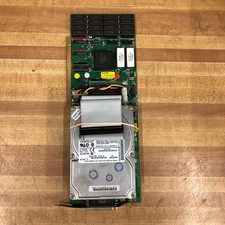
Commodore Amiga A2091 SCSI Controller Card for 2000 Computer w/HDD
$299.95

DKB MegAChip for Amiga 2000/500 2MB Chip Ram expansion with 8375 Agnus Tested
$285.00

Commodore Amiga A1200 Vintage Computer Power Supply Mouse Bundle - Tested
$999.99

Amiga 1000 Computer Kickstart v1.3 Workbench Extras Test Kit Boot DD Floppy Disk
$19.99
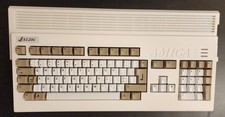
Amiga 1200 New Case And New Keyboard
$329.09
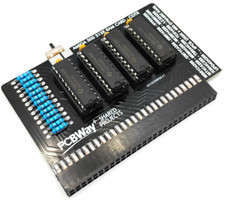
Commodore Amiga 500 Ram Expansion 512KB + Switch - Fast USA Seller
$24.99

Pi1541 Zero with Epyx Fastload Hat, Case & 16gb SD for Commodore 64 and 128
$84.99

Microbotics Starboard 2MB + SCSI Sidecar for Amiga 1000 Vintage Computer READ
$219.00