

 Reply With Quote
Open a console window and su then enter then type the root password and enter then netcardconfig and enter your settings.


Hello, I just installed Knoppix to my hard drive; I just started using Linux a few days ago. I have a cable modem which is connected to a router. During the install process when I was prompted to give my ip addresses, my real one and the router one, since I couldn't halt the installation to find out what they were I just hit ok. So I need to know how to reconfigure my network settings so I can get online.
p.s. Should I be asking this question in a Debian forum instead?
Open a console window and su then enter then type the root password and enter then netcardconfig and enter your settings.
thanks for answering Stephen
I have the same situation. now i ran the fix you posted and knoppix does not detect my network card. i have a NVIDIA nForce MCP Networking adapter. What am I doing wrong or what am I missing? I am using Knoppix 3.2.
 Posting Permissions

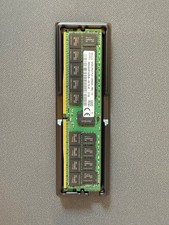
HYNIX 64GB (1X64GB) 2RX4 PC4-3200AA DDR4 SERVER MEMORY
$600.00
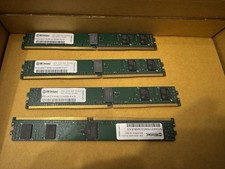
32GB Kit 4x8GB Wintec DDR4-2133 ECC RDIMM VLP Server RAM
$80.00

TF/SD Card Adapter Camera Reader Android Type-c For iPhone17 Pro Max Plusm lot
$471.39

SMART(Micron)SafeStor 32GB(1X32GB) 1RX4 NN4-3200AA(DDR4) HPE Server Memory
$159.98
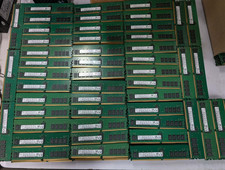
Lot 100 SK hynix 16GB 2Rx8 PC4-23400 DDR4-2933Y ECC Reg Server Memory RDIMM RAM
$8599.00
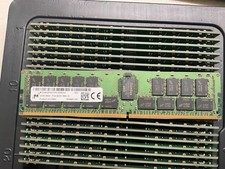
MTA36ASF4G72PZ-2G9E2 MICRON 32GB (1X32GB) 2RX4 PC4-2933Y MEMORY
$229.00

Kingston 32GB 64GB 128GB 256GB USB 3.0 Flash Drive Thumb Memory Stick Pen lot
$285.90
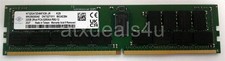
Nanya NT32GA72D4NFX3K-JR 32GB 2Rx4 PC4-3200AA K25 DDR4 RDIMM RAM Server Memory
$199.99

Dell 16GB PC4-21300 (DDR4-2666) Memory (SNPPWR5TC16G)
$89.99
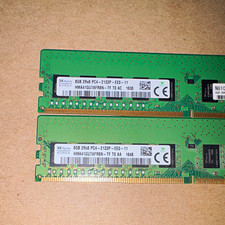
SK hynix 16GB (2x8GB) DDR4 SDRAM PC4-2133P 288-Pin DIMM HMA41GU7AFR8N-TF
$65.00