-
Ctrl Alt T to startup terminator
I'm so used to hitting CTRL+ALT+t to start up a terminal, here's how to do it in knoppix 9.1.
Go to Preferences/CompizConfig Settings Manager then click on General / Commands, set command line 1 to "terminator" (don't type the quotes) then go to Key Bindings and set "Run command 1" to Control Alt t by clicking on the "disable button" (because it's disabled by default) and then click on "grab key combination" and type Control Alt t and then click on OK.
Now Control Alt t should load terminator.
 Posting Permissions
- You may not post new threads
- You may not post replies
- You may not post attachments
- You may not edit your posts
-
Forum Rules

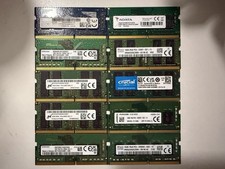
Lot of 10 /16GB DDR4 laptop RAM
$500.00

TF/SD Card Adapter Camera Reader Android Type-c For iPhone17 Pro Max Plusm lot
$573.98
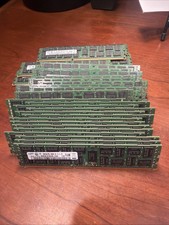
Samsung Planet First 8GB 2Rx4 PC3-10600R
$341.00

24x Micron MT40A512M16LY-062E IT:E 8Gb DDR4-3200 96-FBGA Memory IC
$349.99

Kingston 32GB 64GB 128GB 256GB USB 3.0 Flash Drive Thumb Memory Stick Pen lot
$285.90

Samsung 32GB DDR4-2666V-2Rx4-RB2-12 RAM M393A4K40CB2-CTD6Q
$169.00

USB 3.0 Micro SD SDHC TF Card Reader Memory Adapter for PC Laptop Camera lot
$3.75

Server Memory: Samsung 32GB 4DRx4 PC4-2133P ECC LRDIMM DDR4 M386A4G40DM0-CPB
$124.95

Dell 16GB PC4-21300 (DDR4-2666) Memory (SNPPWR5TC16G)
$89.99

1/ 10/ 100pcs USB 2.0 2GB, 4GB ,8GB ,16GB ,32GB ,64GB 128GB USB Flash Drives Lot
$202.50



 Reply With Quote