

I have a small network setup. Machine 1 is a XP Pro system with 2 shared printers (HP, Epson) Machine 2 is Knoppix 3.3 and machine 3 is a Lindows 4.0 box.
Knoppix has no problems printing t the XP printers. Lindows haas no problems printing. But after upgrading Knoppix Lindows now shows 2 extra IPP printers from the Knoppix machine that apparently CUPS has passed on to Lindows. Now the only way I can make Lindows print is to go into the control panel delete the 2 IPP printers from Knoppix than print. However in about 10 minutes or less the printers automagically reappear! How can I stop this?
Thanks
Been there, thats how I've been deleting the printers. I see no where that you can tell CUPS not to pass on the info on these printers. Since they are shared from XP to the Knoppix box they are not shared from the Knoppix box. At least I do not think so.
Thanks
I've been having a bear of a problem using http://localhost:631 on my hdinstalled LAN. Is there a manual somewhere on using localhost:631? I must not be using right. I see nothing in the dox on this site and google dosen't show any howtos....
Please help!!!
 Posting Permissions

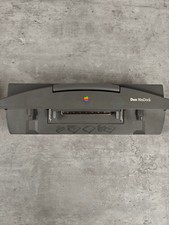
Apple Macintosh PowerBook Duo MiniDock Portable Mini Dock M7780 Vintage Mac RARE
$136.99

Vintage 1988 Apple Macintosh Plus 1MB M0001A Computer Keyboard WORKING See Video
$225.00
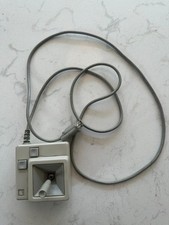
Original Early Vintage Macintosh Joystick for IIe IIc A2M2012 Untested
$99.00
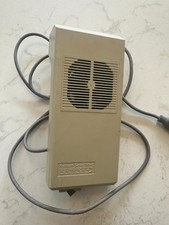
Kensington System Saver Fan for Vintage Early Mac WORKS
$119.00
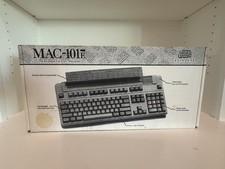
Vintage MAC Data Desk 101E Model 1069 Keyboard QWERTY Bundle with Box
$99.99

185--Sonnet Crescendo G3 PPCG3-375-5-K-06 G3 Add-On Card for Vintage Mac
$90.00
Vintage Apple Power Macintosh 6100/66 M1596 - WORKING
$149.95

Vintage Apple Macintosh M0116 Keyboard & A9M0331 Mouse ADB Tested Working
$125.00

VINTAGE Apple Mac OS X Computer Monitor
$250.00

Apple A1243 Aluminum Wired Keyboard Full Sized Slim, Genuine Mac TESTED
$24.95


 Reply With Quote