

 Reply With Quote
have you restarted KDE (log out/log in)? sometimes it takes some time for KDE to update the menu, and a restart might help...
and you can manually remove the items...


I removed by Synaptic and 'apt-get remove' 500 mb of useless for me packages
But lots of dead links still in KDE menu (Koffice, Abyword,etc)
I was trying to clean up them by 'update-menus", (worked little bit) but some of removed packages from hd still have a links in KDE menu
How can I remove dead links?

How can I find which package belong the xlogo and xeyes?
I been trying apt-get xlogo xeyes...but not sucess
If someone have a idea please replay to my post
have you restarted KDE (log out/log in)? sometimes it takes some time for KDE to update the menu, and a restart might help...
and you can manually remove the items...
all those other useless "tools" like xeyes, xlogo are in a package "xbase-clients". I tried to get rid of it but it seems like the dependencies would kill my remaster. I could be wrong cause I'm a newbie, try it out. If it works let me know. I'd like to get rid of them also
You may have already done this, but if you right-click on the K-button it has an option to edit the menu. You can remove items and add items within a graphical interface.
 Posting Permissions


Amiga Model 1080 RGB color CRT monitor - Parts Or Repair - Doesn’t Power On
$100.00
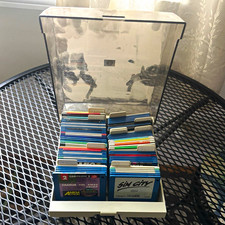
ALS Storage Box with Assorted Amiga Format 3.5" Floppy Disks
$199.00

Microbotics Starboard 2MB + SCSI Sidecar for Amiga 1000 Vintage Computer READ
$329.00
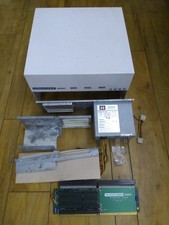
HighFlyer Amiga 4000 Tower & Bus Extender, Expansion Systems A4000T Kit
$888.50

Amiga 1000 Computer w/ Monitor Keyboard Mouse Disc Drive Sidecar Expansion Discs
$895.00

Commodore Amiga 4000 Motherboard Rev B - untested
$225.00

Amiga Emplant Emulator Card For Commodore Amiga 2000 4000 3000
$249.00
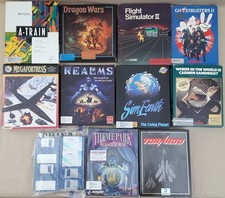
(10) BOXED Games for Commodore Amiga 500 600 1000 1200 2000 3000(T) 4000(T)
$329.98
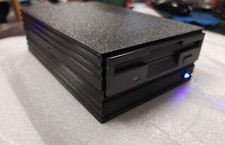
External fully assembled GreaseWeazle 3.5 inch Floppy Drive
$135.00
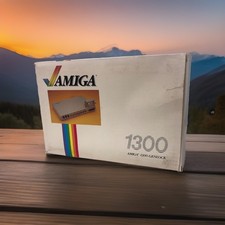
OPEN BOX - AMIGA Genlock Interface Vintage Video Adapter 1300- GREAT
$329.95