-
Senior Member
registered user

Originally Posted by
sjlinux
I had the same problem. What I did was install 'usbmgr'. What this did was remove hotplug, and installed usbmgr. After that I was able to use and configure my USB devices.
Nick
strange. both packages as far as I understand is to load/unload modules based on the vendor ID info it sees on /proc/bus/usb. Whether a device is supported or not depends on the kernel modules(either stocked one or download/compiled seperately if available), the userland tools(usbmgr/hotplug) cannot magically support a device.
Similar Threads
-
Replies: 5
Last Post: 07-09-2005, 04:40 PM
-
By mark1221 in forum Hdd Install / Debian / Apt
Replies: 2
Last Post: 11-01-2003, 10:32 PM
 Posting Permissions
- You may not post new threads
- You may not post replies
- You may not post attachments
- You may not edit your posts
-
Forum Rules

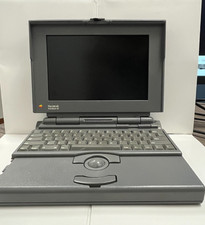
Vintage Apple Macintosh PowerBook 165 M4440 with Charger - Turns On
$85.00
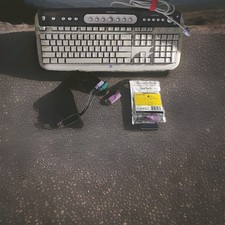
WINDOWS Microsoft "Vintage Style" Computer Keyboard/ #5181
$27.97
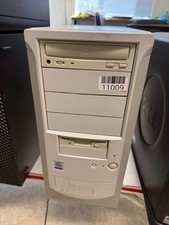
Vintage Desktop No Brand-Pentium 4-512MB Ram 40GB HDD ATI R200 Fire GFx OS W98E
$139.99

Dow Jones Market Analyzer Vintage Software - Macintosh - Factory Sealed
$37.99
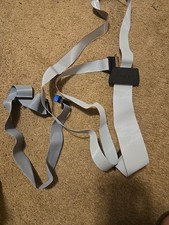
Vintage Tandy Radio Shack TRS-80 Ribbon Cable DB25 Adapter Untested
$50.00
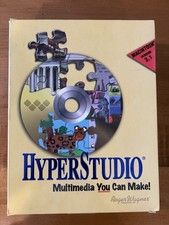
HyperStudio 3.1 Macintosh Vintage Software CD Floppy Manuals Original Box
$70.00
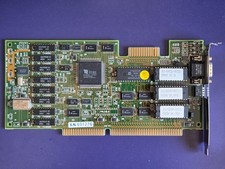
ISA Video Card, Tseng Labs ET4000AX, 1MB (8931 REV B) Vintage, Working
$74.99
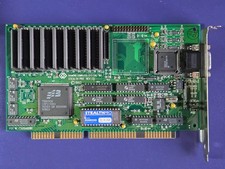
RARE ISA Video Card, S3 P86C928, 2MB (Diamond Stealth Pro) Vintage, Working
$179.99
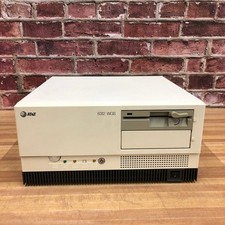
Vintage AT&T 6312 WGS COMPUTER 386 POWERS ON & Complete
$249.95
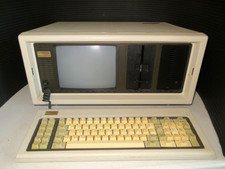
Vintage Compaq Portable Computer PC w/ Travel Case, Manual, DOS disk -For Repair
$185.00



 Reply With Quote