-
Senior Member
registered user
talking about vesa, I learnt a nice little trick from spblinux's author. One can use mplayer to query what vesa mode is supported by the display chip by :
mplayer -v some_video_file > log
the log would contain all the available one for the vga= parameter. Though it is listed in hex and somehow 512(decimal) is needed to be added to the value to come out the proper vga= value.
So one can always boot with vga=normal and fine out what vesa modes is there then later fix that in the boot configure in LILO/GRUB for future use, should vesa is needed.
Similar Threads
-
By pschuett in forum Hardware & Booting
Replies: 1
Last Post: 02-25-2005, 04:07 PM
-
By the_viper in forum Laptops
Replies: 0
Last Post: 01-06-2005, 07:56 PM
-
By merlin232 in forum Laptops
Replies: 6
Last Post: 09-24-2004, 04:51 PM
-
By gacjr in forum General Support
Replies: 14
Last Post: 08-08-2003, 07:21 PM
-
By Chris Ruhl in forum Hardware & Booting
Replies: 3
Last Post: 03-01-2003, 02:57 AM
 Posting Permissions
- You may not post new threads
- You may not post replies
- You may not post attachments
- You may not edit your posts
-
Forum Rules


Apple Computer cards VTG 670-8020-B 607-0103-C 607-0291-C AST -Orange Micro ++
$169.00

Vintage Apple iMac G4 15" Lamp 700MHz 512MB Mac OS X 10.4.6 W/ Pro Speakers
$300.00
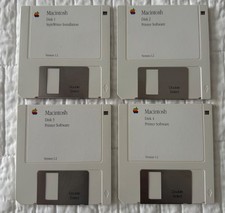
Vintage Apple Macintosh StyleWriter Software 4 Disk Set Version 1.2 3.5” Floppy
$24.99

Rare Vintage Macintosh Apple Wooden Disk Storage Box Dovetailed
$69.95

Lot of 3 VIntage Apple Computer Rainbow Logo Sticker Decal Macintosh 1980s NOS
$7.00
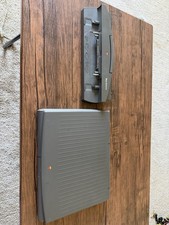
PowerBook Duo 210 vintage laptop
$120.00
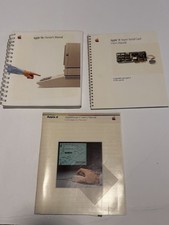
Set of Vintage Apple 2, II, IIE Owners + Super Serial Card + AppleMouse Manuals
$49.00
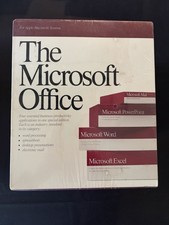
Vintage Microsoft Office 1.0 Apple Macintosh 1989 Big Box Software Sealed
$399.99

VINTAGE Apple Mac OS X Computer Monitor
$250.00

Vintage Apple Macintosh M1212 Color Display Monitor *Untested*
$69.99



 Reply With Quote