

 Reply With Quote
Have you tried connecting your laptop to an external monitor?


I used the gnoppix cd once and I liked it. Unfortunately, now the LCD Display of my Laptop doesn´t work anymore. It is so dark, that it took my a while to recognize that it´s showing something at all. This occurs already while booting, so it seems that using the gnoppix cd once changed the hardware settings somehow.
I confess that I`m quite desperated cause I´m writing on my thesis right now and all the files are on this computer that I´m not able to use anymore. Can anybody help me ?
Configuration: My Laptop is a Desknote i-Buddie 928; I have SuSE and Windows 2000 installed.
Have you tried connecting your laptop to an external monitor?
I presume the screen is dark when you boot any of your OS's. It is possible that when Linux probes your monitor for settings that it gets them wrong. Sending Hsync and Vsync frequencies that are too far out of range for your monitor could definitely cause some permanent damage. Hopefully this is not what has happened and I am not certain that this is what has happend. Perhaps the solution for the moment is as was already suggested- connect another monitor.
-> Connecting my Laptop to an external monitor works.
-> You're right, the screen stays dark in all the Os.
I don't think (actually hope !?) that Linux got my settings so wrong, because the monitor worked properly under gnoppix. The problem only occured as I shut gnoppix down and rebooted the system.
Hmmm... On an LCD monitor or laptop display, the backlight is an entirely separate function from the display. I don't see how Gnoppix could have caused this problem, but it is possible; the backlight on an LCD is under software control (as a "screensaver"), and it's possible that BIOS settings have been munged--but not likely.Originally Posted by joerg
In my opinion (as a hardware and monitor technician), you have a coincidental event. I think that the backlight inverter (the circuitry that turns DC into high-frequency AC to drive the fluorescent-tube backlight) died at the same time you rebooted from Gnoppix.
My only suggestion is to look at the power-management settings in your BIOS, and try to set the backlight to always ON and see what happens.
~~~~~~~~~~~~~~~~~~~~~~~~~~~~~~~~~~
-- Michael Rudas
Oak Park Computer Club: http://opcc.2ya.com
Metro Detroit Linux Users' Group: http://www.MDLUG.org
PenguiCon 2.0 Open Source & Science Fiction convention, April 2004: http://www.PenguiCon.org[/code]
 Posting Permissions


Vintage Apple Macintosh System 7 OS Software 8 Floppy Disks Manuals Original
$99.99
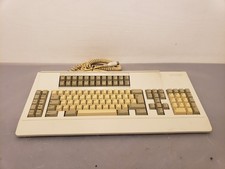
Vintage Memorex Telex 122-Key AT Terminal Keyboard 96550264
$100.00
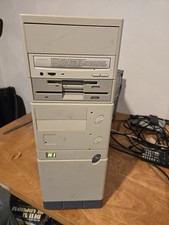
Vintage Retro Cyrix 6x86 133mhz 32mb RAM Floppy Combo
$299.00

Vintage HP 21MX 1000 M-Series Minicomputer Chassis Backplane Parts AS-IS
$228.19
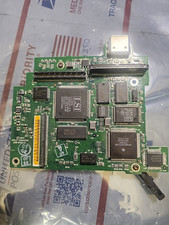
Vintage Apple Controller Card 820-0427-A Printed Circuit Board PCB Assembly
$47.50
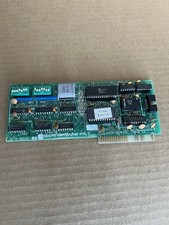
Vintage Apple Super Serial Interface card ll-apple ll llplus lle 670-8020-A 1981
$99.00
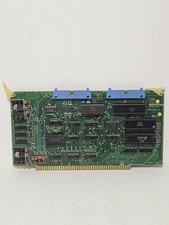
Vintage Tei Inc 1977 CPU Assembly 13260 Circuit Board
$145.00
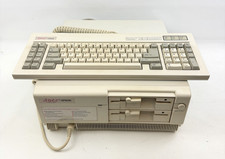
Vintage Epson Apex Plus AP3001A Dual 360K Disk Drives PC w/ Epson Apex Keyboard
$249.95
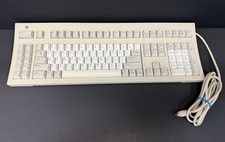
Vintage Sun Microsystems Type 5 Keyboard N860-8701-T010 Tested Working
$55.55

Vintage Teac FD-505 5.25" 3.5" Combo Drive 19307571-00
$199.99