-
Senior Member
registered user
Re: mouse not responding

Originally Posted by
hernan
Hi, i have a really simple question, but I need an answer ASAP
When I installed Knoppix/Debian to my hdd, i didn't have my mouse installed, and now, it doesn't work in X.
I tried going into KXConfig and setting it up, and it saves the settings and I restart X by pressing CTRL+ALT+BS, but it still doesn't detect it.
How can I set it up?
Thanks
Hernan
Here's something you can try if the next part fails. Boot with the knoppix cd with the mouse attached and once in KDE open a console window (clam shell icon on the taskbar) then use the commands in the window.
Code:
sudo mount /dev/hd?? /mnt/hd??
sudo cp /mnt/hd??/etc/X11/XF86Config-4 /mnt/hd??/etc/X11/XF86Config-4.original
sudo cp /etc/X11/XF86Config-4 /mnt/hd??/etc/X11/XF86Config-4
answer yes to the overwrite
Replace the ?? with the drive letter and partition number of the hd installed knoppix / (root) partition. Reboot the computer and boot to the knoppix install and the mouse should work that's if it did while knoppix was running from the cd. If it does not work then post the type of mouse and the /etc/X11/XF86Config-4 file that is being used. note: you should use the same cheat codes (if any) that were used when you first installed when doing this.
Similar Threads
-
By Stealth870 in forum Hardware & Booting
Replies: 2
Last Post: 08-10-2004, 12:18 AM
-
By xdentan in forum General Support
Replies: 0
Last Post: 07-23-2004, 01:50 AM
-
By bilzer in forum General Support
Replies: 0
Last Post: 04-20-2004, 06:53 AM
-
By PhR057Y in forum Hdd Install / Debian / Apt
Replies: 2
Last Post: 04-11-2004, 11:27 PM
-
By clfest in forum Hardware & Booting
Replies: 8
Last Post: 04-30-2003, 01:59 AM
 Posting Permissions
- You may not post new threads
- You may not post replies
- You may not post attachments
- You may not edit your posts
-
Forum Rules


ATARI XF551 DISK DRIVE WITH AC POWER ADAPTER AND PARALLEL PORT ADAPTER, UNTESTED
$250.00
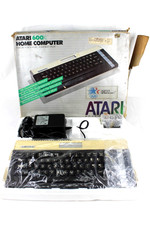
VTG Atari 600XL Home Computer System in Box ** Powers On ** Clean * Tested Works
$148.75
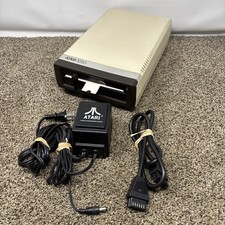
Atari 1050 Floppy Disk Drive Tested With All Cables Power And Data SIO Cable
$170.00

GreaseWeazle v4 board USB floppy drive adapter Retro All Formats
$35.00
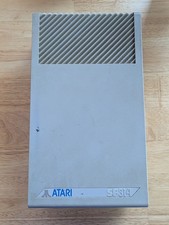
Vintage ATARI SF314 DS/DD 3.5" External Drive TESTED but can't read/write disks
$69.99

Fujinet 1.7.1 Atari 400 800 800XL 130XE 65XE XEGS Assembled, Tested, Working
$99.99
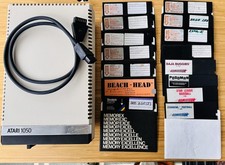
Vintage Atari 1050 Disk Drive w/ SIO Cable & 32 Games/Programs - UNTESTED
$67.76
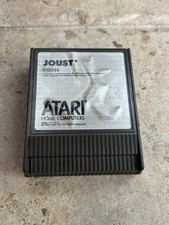
⭐️Atari RX8044 Joust Vintage Computer Game Cartridge⭐️Vintage 1983⭐️
$7.93
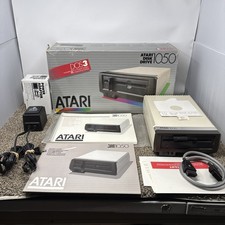
Atari 1050 Floppy Disk Drive Tested With All Cables Power And Data SIO In Box
$200.00

UNOCART-2600 SD card Multi Rom Cartridge for ATARI 2600 with CASE
$34.25



 Reply With Quote