

 Reply With Quote
Just be sure to burn an image of the iso rather than burning a copy of the iso file on the CD. In nero this is done by choosing the File drop-down menu and the option Burn Image.


when i tryed to burn the knoppix iso after remastering it it wasnot bootable is there a way to do this so i don't have to use a floppy ( don't have floppy drive)
Just be sure to burn an image of the iso rather than burning a copy of the iso file on the CD. In nero this is done by choosing the File drop-down menu and the option Burn Image.
i did do that but i used xcdroast but when i try to boot it my computer says booting grom cdrom.... then it does nothing else maby i forgot somthing ?
Check your computer BIOS and see that your CDrom will boot first before your hard drive.... I had the same problem even starting knoppix because I forgot about this.
Sometimes you have to press any key when the boot from CDrom prompt comes up...
yeha i did that because i use the knoppix cd for one of my computers cause the hd got screwed up but anyway i think i found the problem because i tryed to burn a few cd's and half of them didn't work so i think it is xcdroast or my cd writer
Burning at a slower speed can help.
 Posting Permissions

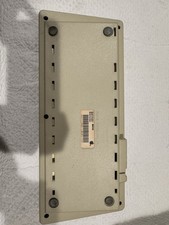
Vintage Apple Keyboard (MO110)
$61.30

Ast Advantage Adventure 4050D Vintage Retro Computer Great Condition
$199.99

Vintage HP 21MX 1000 M-Series Minicomputer Chassis Backplane Parts AS-IS
$228.19

Vintage Computer Keyboard Northgate OMNIKEY Ultra
$120.00
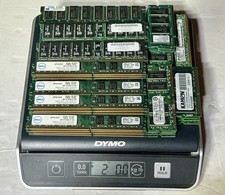
2.0 LBS Vintage Scrap Memory RAM FOR Gold Recovery PC & SERVER RAM UNSHIELDED
$110.00
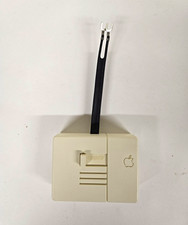
Vintage Apple IIc TV Switch Box A2M4041 825-0814-A RF Switch Original Accessory
$23.00
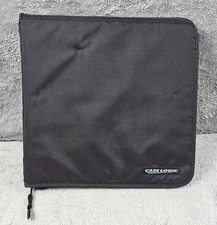
Vintage Case Logic 96 CD DVD Binder Zippered Media Storage Wallet Case - Black
$54.99
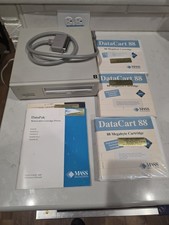
Vintage Mass Microsystems DataPak 88MB Removable External SCSI Hard Drive...
$149.99
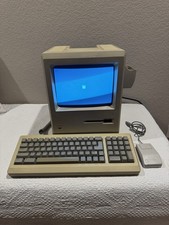
Apple Macintosh Plus 1Mb Vintage Desktop Computer w/ Keyboard & Mouse
$350.00
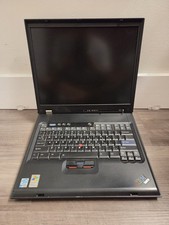
Vintage Rare IBM ThinkPad G40 Laptop Untested Parts Only
$59.95