

 Reply With Quote
Just be sure to burn an image of the iso rather than burning a copy of the iso file on the CD. In nero this is done by choosing the File drop-down menu and the option Burn Image.


when i tryed to burn the knoppix iso after remastering it it wasnot bootable is there a way to do this so i don't have to use a floppy ( don't have floppy drive)
Just be sure to burn an image of the iso rather than burning a copy of the iso file on the CD. In nero this is done by choosing the File drop-down menu and the option Burn Image.
i did do that but i used xcdroast but when i try to boot it my computer says booting grom cdrom.... then it does nothing else maby i forgot somthing ?
Check your computer BIOS and see that your CDrom will boot first before your hard drive.... I had the same problem even starting knoppix because I forgot about this.
Sometimes you have to press any key when the boot from CDrom prompt comes up...
yeha i did that because i use the knoppix cd for one of my computers cause the hd got screwed up but anyway i think i found the problem because i tryed to burn a few cd's and half of them didn't work so i think it is xcdroast or my cd writer
Burning at a slower speed can help.
 Posting Permissions

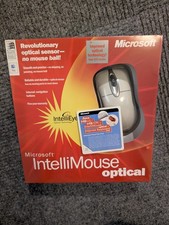
Vintage Sealed Microsoft IntelliMouse Optical X05-34207 PS2 USB IntelliEye
$99.99

🔥 RARE VINTAGE HP 2112A 21MX M-SERIES 16-BIT MINICOMPUTER HP
$299.99

Vintage Computer Keyboard Northgate OMNIKEY Ultra
$120.00

🔥 RARE VINTAGE HP 2113A 21MX 1000 E-SERIES MINICOMPUTER CHASSIS BACKPLANE
$249.00

Vintage IBM ThinkPad 600X Type 2645 Laptop with accessories *Read Description*
$149.99

Original Vintage Old Style STANDARD Black CD Jewel Case (Heavy Duty) 90g Lot
$316.95
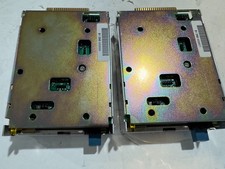
Vintage Lot of 2 IBM PS/2 Floppy Drives
$25.00
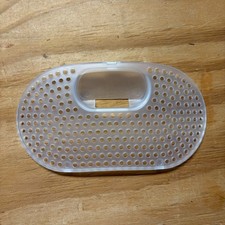
Vintage 1998-1999 iMac G3 Computer Back Small Cover Plate for Apple Clear
$12.00

Lot of 2 Vintage Plextor PX-43CS SCSI CD-ROM Caddy Drives + 4 Caddies Used
$55.99
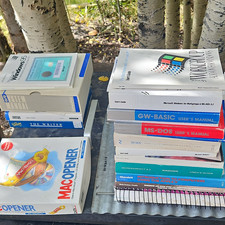
Huge Lot Vintage Computer Manuals Disc's Floppys Macopener Windows 95 & More
$140.00